


The best WordPress alternatives 2026 at a glance
WordPress runs 39.6% of all websites today. At the start of 2025 it was still 43.6%, according to W3Techs. Among websites with a detectable CMS, its share dropped from 60.7% to 58.3% within a year. People who switch usually name the same reasons: plugin updates, maintenance and security holes eat time that daily business needs.
The table sorts the eleven most important WordPress alternatives by type, purpose and pricing model. The best alternative to WordPress is the one that fits what your website is for.
| Type | Best for | Pricing model | Learning curve | |
|---|---|---|---|---|
| 1. Squarespace | Website builder | Service firms, small websites | Subscription, hosting included | Low |
| 2. Wix Studio | Website builder | Agencies, freelancers, SMEs | Subscription, free plan with ads | Low |
| 3. Webflow | Website builder | Design teams, agencies | Subscription, free plan for testing | Medium to high |
| 4. Framer | Website builder | Landing pages, campaigns | Subscription, free plan | Medium |
| 5. Jimdo | Website builder | Freelancers, micro businesses | Subscription, free plan | Low |
| 6. Shopify | Shop system | Online shops | Subscription | Low |
| 7. Ghost | Publishing | Blogs, newsletters | Subscription or open source | Low to medium |
| 8. TYPO3 | Open-source CMS | Large multilingual websites | Free software, hosting and agency | High |
| 9. Drupal | Open-source CMS | Portals with many content types | Free software, hosting and development | High |
| 10. Joomla | Open-source CMS | Associations, communities | Free software, hosting separate | Medium |
| 11. Headless CMS with Astro | Custom website | Growing SMEs, lots of content | One-off build, low running costs | Build by agency, easy editing |
Assessment based on project experience, as of October 2026. Subscription prices change often; check each provider for current rates.
For most Swiss SMEs the choice comes down to one of three directions. Small websites with a few pages are easiest to run on a builder like Squarespace or Wix. Online shops usually start on Shopify. If the website grows with lots of content, languages or integrations, a headless CMS fits.
The CMS check for Swiss SMEs shows which direction suits you. It walks you through the key questions and ends with a concrete recommendation.
Why SMEs are looking for an alternative to WordPress in 2026
For years WordPress was the obvious choice, as the best-known system with a plugin for every feature. Since 2024, three developments have changed the picture. They affect every SME that runs a WordPress website or plans a new one.
The security picture: Patchstack counted exactly 11,334 new vulnerabilities in the WordPress world in 2025, 42% more than the year before. 91% of them sat in plugins, 9% in themes and only six in WordPress core itself. For 46%, the developer had not released a fix by the time the flaw was made public.
Market share: According to W3Techs, WordPress's share of all websites fell from 43.6% (January 2025) to 39.6% (October 2026). Shopify and Wix grew over the same period.
The dispute over WordPress.org: In autumn 2024 a conflict escalated between Automattic and the hosting provider WP Engine. Matt Mullenweg, WordPress co-founder and Automattic CEO, temporarily cut WP Engine off from WordPress.org resources. Millions of websites were affected until a US court ordered access restored in December 2024. The case shows how much WordPress depends on a few people.
Website builders as a WordPress alternative
A website builder bundles hosting, security, templates and editor in one subscription. Updates run in the background, and third-party plugins barely exist. For websites with a few pages, this is the simplest alternative to WordPress.
1. Squarespace: everything in one subscription
Squarespace is a closed system that combines design, hosting, SSL certificate and shop features in one subscription. The plans are called Basic, Core, Plus and Advanced. The “Fluid Engine” editor works by drag and drop, and changes show instantly. With no third-party plugins running, the biggest WordPress security risk disappears.
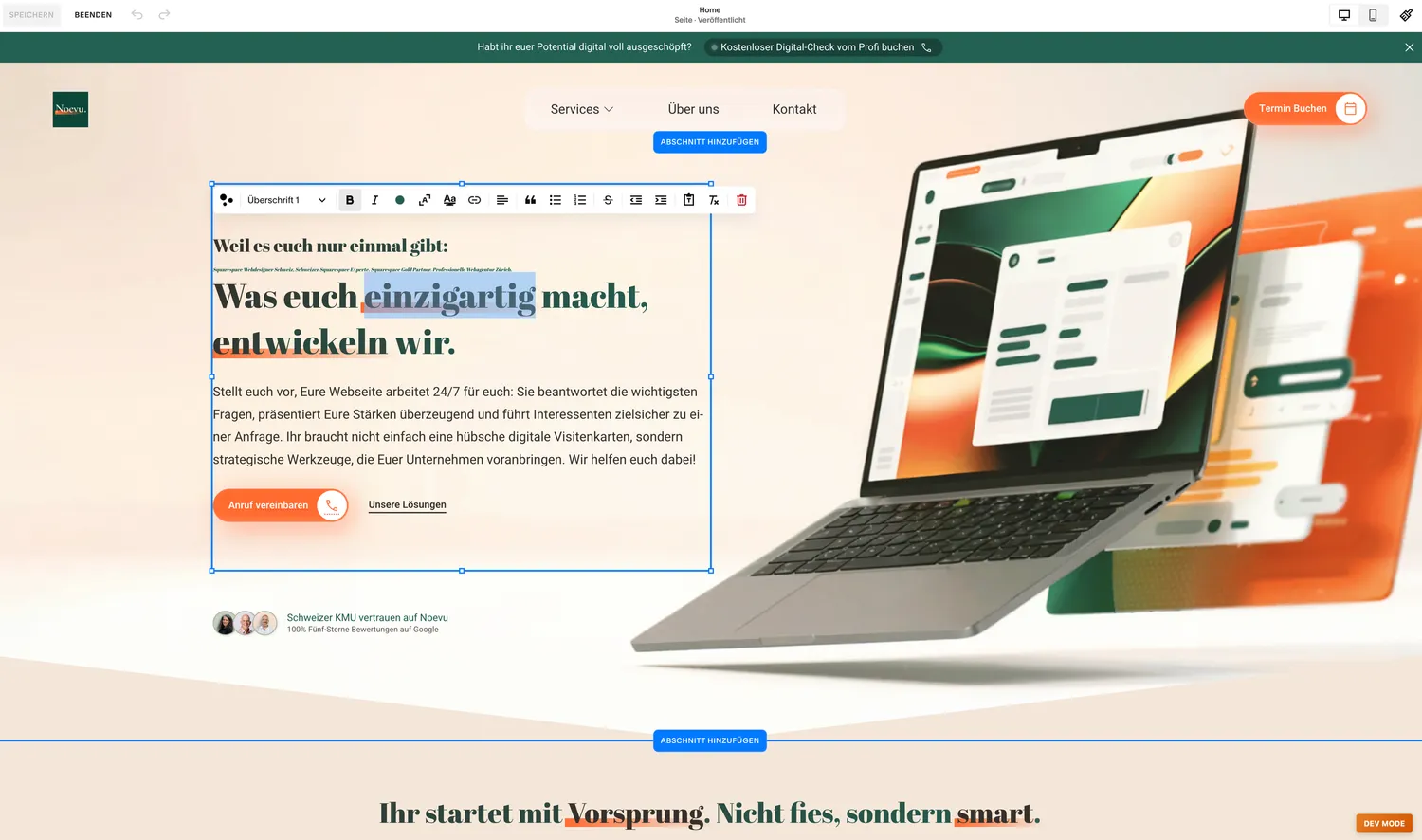
One example from practice is the fincamariposas.com website for a holiday resort on Tenerife. The owner manages content, images and bookings herself and would rather spend her time with guests than with plugin updates. Squarespace reaches its limits with large multilingual websites and custom integrations. Direct comparisons: Squarespace vs. Wix and Squarespace vs. Webflow.
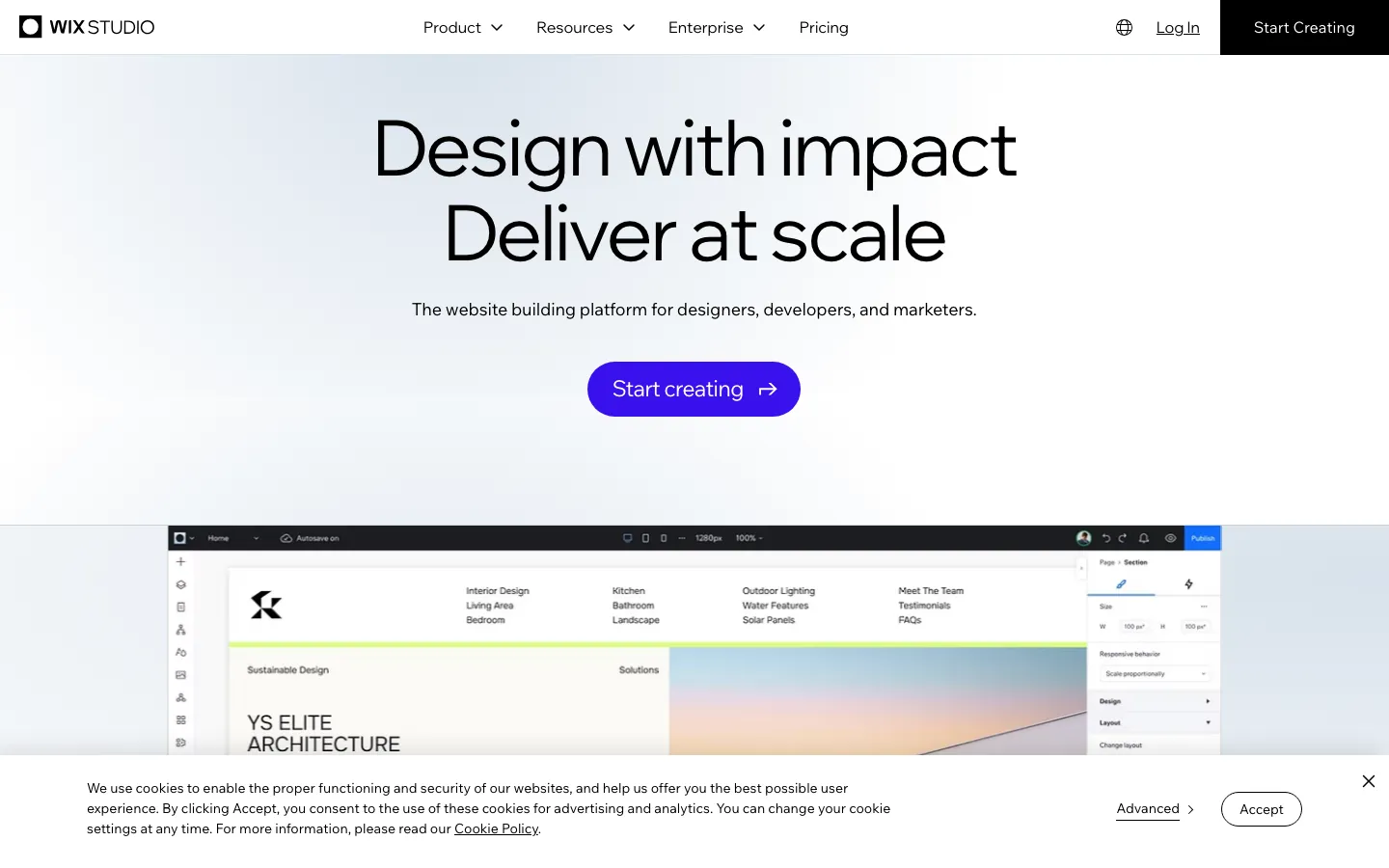
2. Wix Studio: website builder with AI support
According to W3Techs, Wix runs 4.2% of all websites, more than any other website builder. Wix Studio targets agencies, freelancers and SMEs with their own design ambitions. AI features draft layouts and copy, and you can add your own code. A free plan gets you started, with Wix ads and a Wix address.
3. Webflow: maximum design freedom
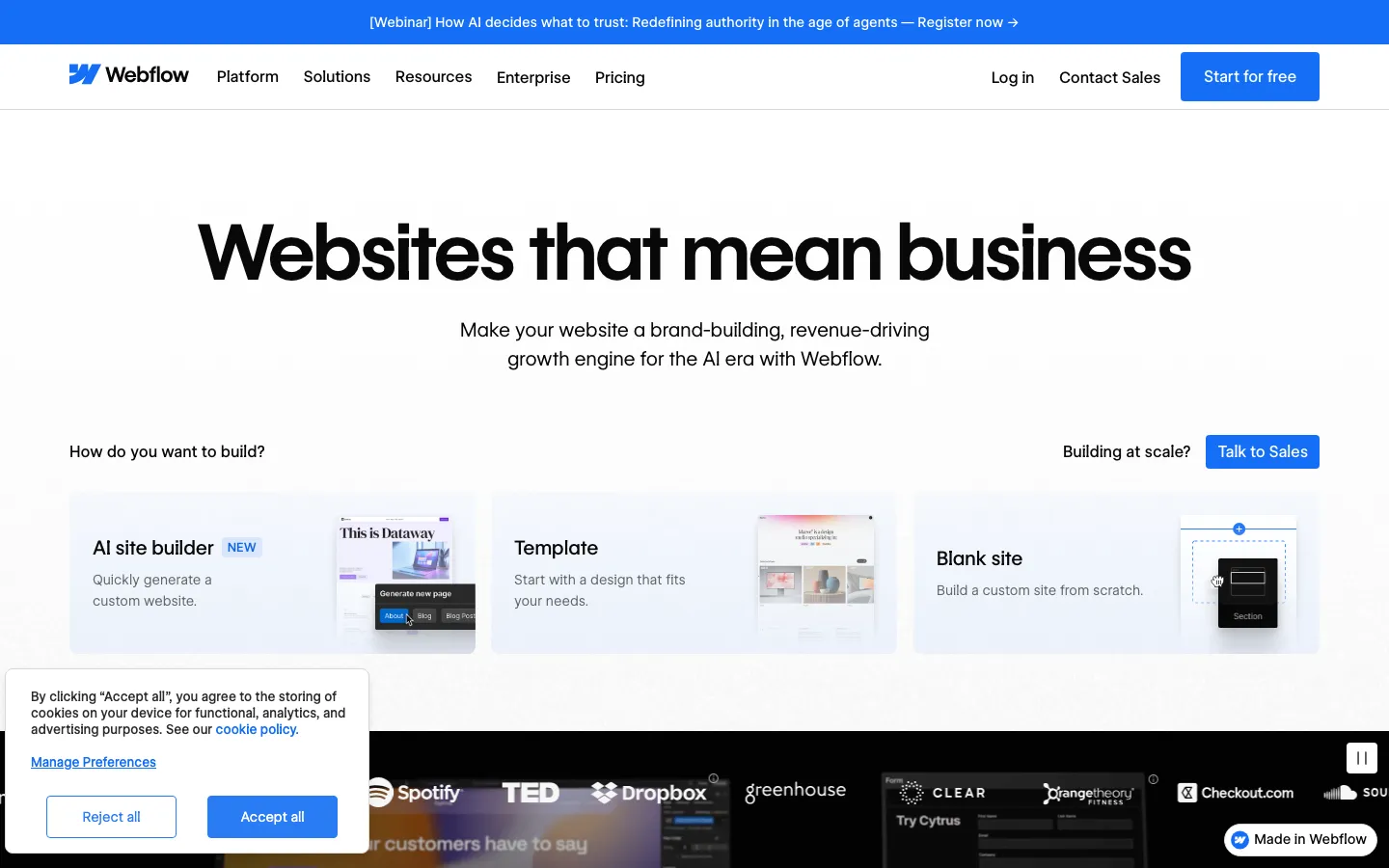
Webflow gives design teams pixel-precise control over layout, animations and content. The learning curve is steeper than with Squarespace or Wix, because the editor follows the logic of HTML and CSS. For SMEs without an in-house design team, Webflow is usually more tool than needed.
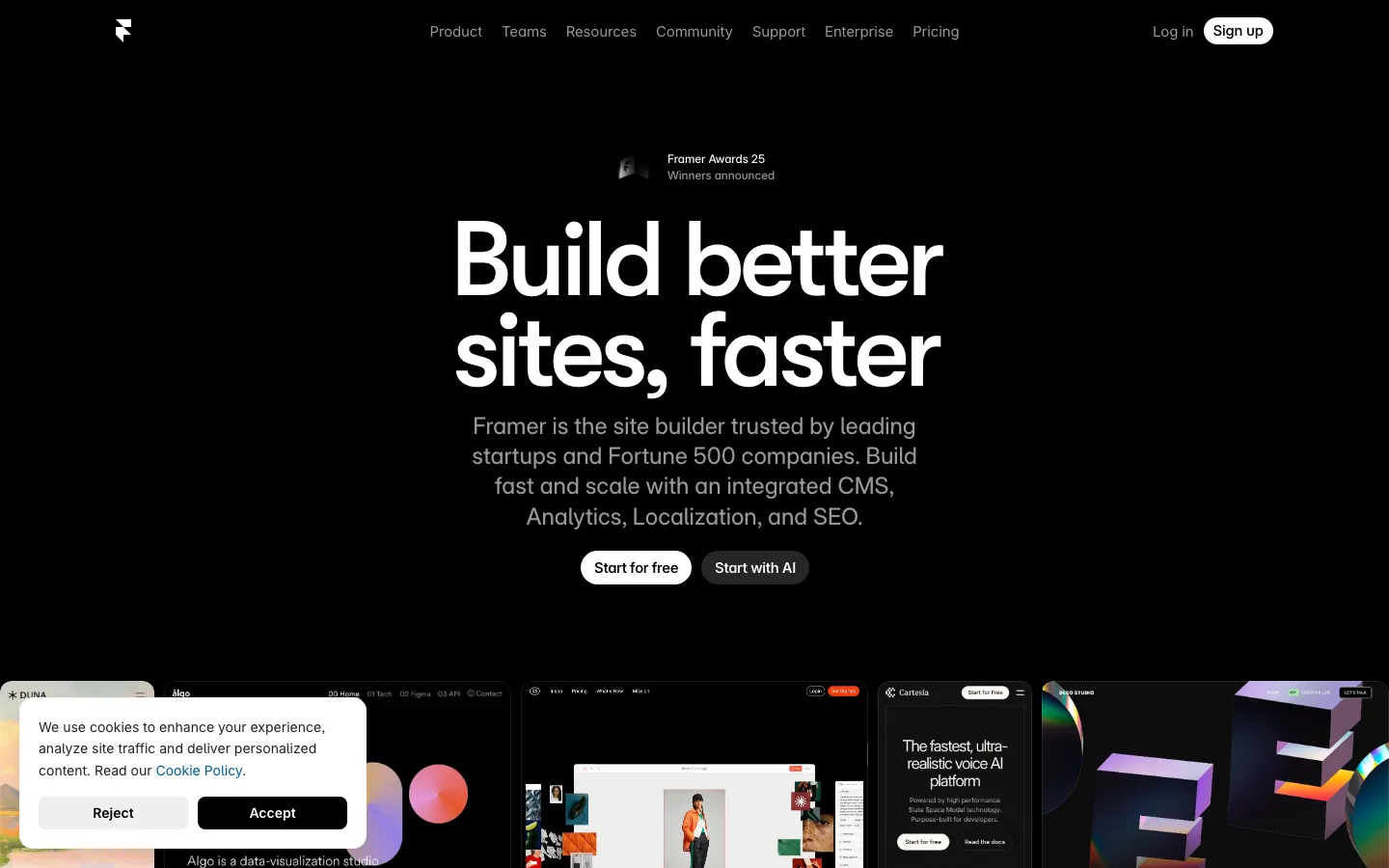
4. Framer: fast pages for campaigns
Framer started as a tool for design prototypes and is now a full website builder. Marketing teams use it to build landing pages and campaign pages quickly. For large corporate websites with many content types, Framer lacks the depth of a CMS.
5. Jimdo: an entry point for very small sites
Jimdo comes from Hamburg and targets freelancers and micro businesses. The builder asks a few questions and turns the answers into a finished website. Design and features are deliberately simple, so growing SMEs quickly run out of room.
For shops and blogs: Shopify and Ghost
Two alternatives specialise in a single purpose. They pay off when the shop or the publication is your core business.
6. Shopify: when the shop is the centre
Shopify is the most-used system after WordPress and runs 5.3% of all websites. Product management, payments, shipping and inventory are built in. With WooCommerce, the same features come through extensions. For SMEs with a product catalogue, Shopify is therefore the obvious alternative. The article Create an online shop shows the way to your own shop.
7. Ghost: for blogs and newsletters
Ghost combines blog, newsletter and paid memberships in one system. It is open source and can be self-hosted or used as the hosted “Ghost(Pro)” subscription. Ghost is less suited to company websites with service pages, forms and many page types.
Free WordPress alternatives: TYPO3, Drupal and Joomla
If you want to stay with open source, three established alternatives are available. The software is free, but hosting, setup and maintenance still cost money. Like WordPress, all three run on PHP and work with most Swiss hosting providers. Their advantage is a wider feature set out of the box, which needs fewer plugins.
8. TYPO3: common for large websites in German-speaking countries
TYPO3 is widespread in German-speaking countries, at universities, public administrations and large companies. Multilingual support, permissions for editorial teams and nested page trees are built in. Setup and updates are usually handled by a specialised agency. For an SME with ten pages, that is too much machinery.
9. Drupal: for complex portals
Drupal carries large portals with many content types, user roles and integrations. Setup and updates almost always sit with developers, and editors then manage their content themselves. Drupal pays off when the website is more of a platform than a presence.
10. Joomla: open source with built-in multilingual support
By market share, Joomla is the second-largest open-source CMS, but it has been losing share for years. Multilingual support and user management come out of the box. For associations and communities with a members area, Joomla is an option, but rarely the first choice for a new SME website.
The three systems side by side:
| TYPO3 | Drupal | Joomla | |
|---|---|---|---|
| Share of all websites | 0.3% | 0.6% | 1.1% |
| Best for | Large websites, administrations | Portals, many content types | Associations, communities |
| Multilingual | Built in | Built in | Built in |
| Software | Free | Free | Free |
| Learning curve | High | High | Medium |
Shares: W3Techs, as of 24 October 2026. For comparison: WordPress 39.6%.
Wix, Webflow, Framer and Jimdo also offer free plans. They show ads or a third-party address, so they suit testing more than a company website. Squarespace has no free plan, only a trial period.
Headless CMS: the alternative for growing SMEs
A headless CMS separates content management from the visible website. Editors manage text, images and translations in a clean interface. A framework like Astro builds the website itself as fast, static pages.
An agency or in-house developers handle the build. After that, your team manages content, pages and languages on its own, without plugin updates. The public website runs neither a login nor plugins that attackers could exploit. Well-known systems include Payload, Strapi and Sanity.

The article on headless CMS explains when the approach pays off and what it means day to day. For implementation, see the headless CMS agency.
What a WordPress website really costs
WordPress itself is free, a professional WordPress website is not. Hosting, premium plugins and ongoing maintenance add up year after year. The list shows the typical cost items for a Swiss SME.
WordPress costs in detail
- Hosting with Hostpoint, Cyon or Green.ch: CHF 15–30/month
- Premium theme or page builder (Elementor, Divi): from $60–$89/year
- Security plugin (Wordfence Premium): approx. $149/year
- Performance plugin (WP Rocket): approx. $59/year
- SEO plugin (Yoast SEO Premium): approx. $119/year
- Multilingual (WPML): approx. €99/year for the Swiss market
- Maintenance and time: the largest and most overlooked cost item
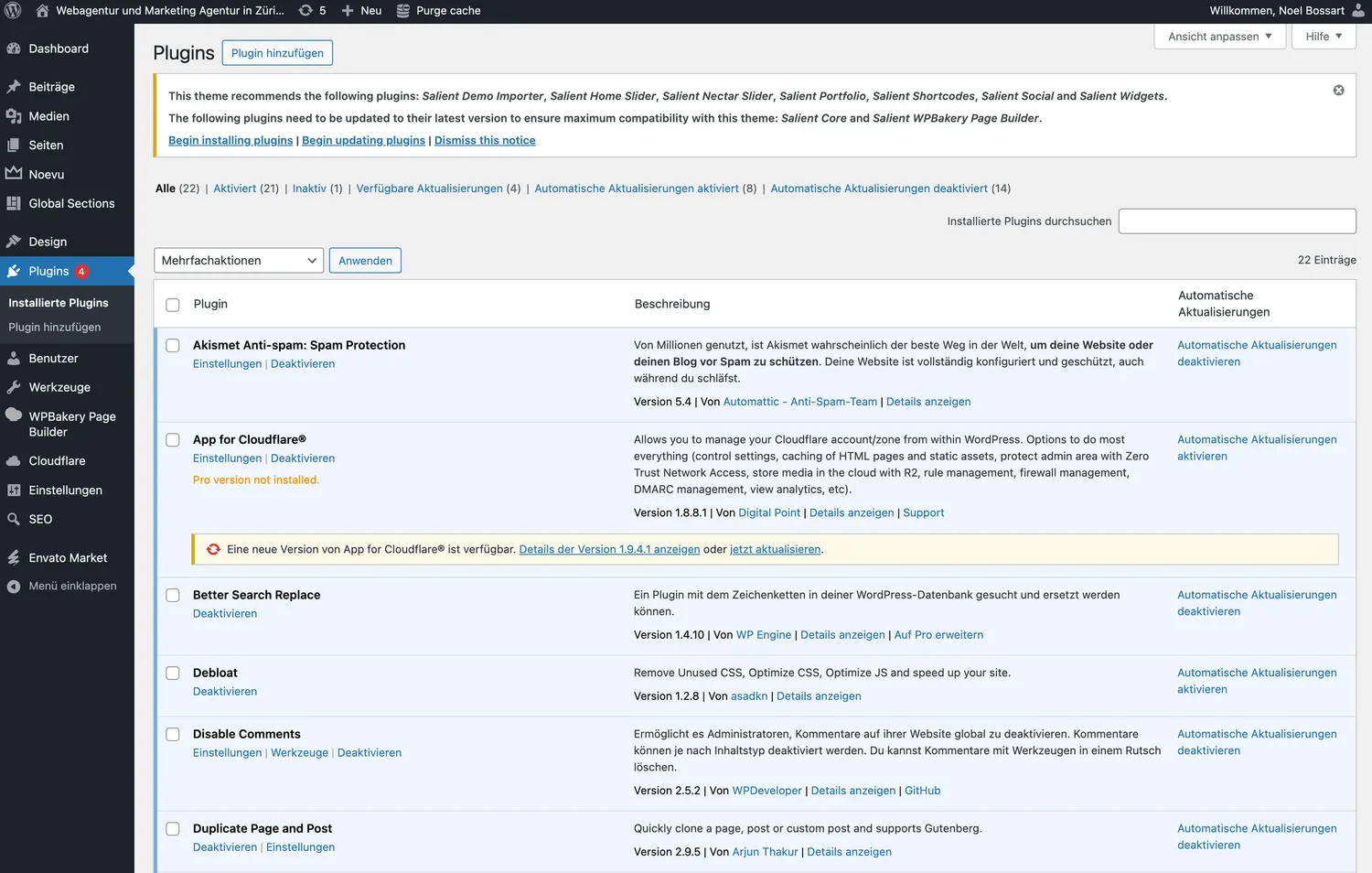
The largest cost item appears on no invoice: the time for updates, testing and troubleshooting. Every update can trigger conflicts between plugins that take hours to fix.
The table compares WordPress with the Squarespace Core plan, which is enough for many small SME websites.
| Squarespace Core | WordPress (Self-hosted) | |
|---|---|---|
| Platform costs | $23/mo. (annual) | Free (software) |
| Hosting (Switzerland) | Included | CHF 15–30/mo. |
| Domain (.ch) | 1st year free | CHF 15–20/year |
| Design (theme) | Included | $59–$99/year |
| Forms | Included | $49–$99/year |
| Basic e-commerce | Included | WooCommerce + Extensions |
| AI features | Blueprint AI, AI Visibility | Jetpack AI: $10/mo. |
| Multilingual support | Weglot from €15/mo. | WPML approx. €99/year |
| Page builder | Fluid Engine (included) | $60–$89/year |
| Security (SSL, firewall) | Included | $149/year (Wordfence) |
| Performance (CDN) | Included | $59/year (WP Rocket) |
| SEO tools | Included | $119/year (Yoast Premium) |
| Maintenance effort | None | 2–5 hrs/month |
| Total costs in year 1 | approx. CHF 300–500 | approx. CHF 800–1,500+ |
WordPress software is free; total costs arise from necessary extensions. The Squarespace Core plan includes almost everything an SME needs. Prices as of October 2026, Squarespace March 2026.
The supposedly “free” WordPress route costs several times a builder subscription in the first year. With a headless CMS the costs fall differently. The build is a one-off investment, and running costs drop because plugin licences and plugin maintenance disappear.
WordPress security 2026: the strongest reason to switch
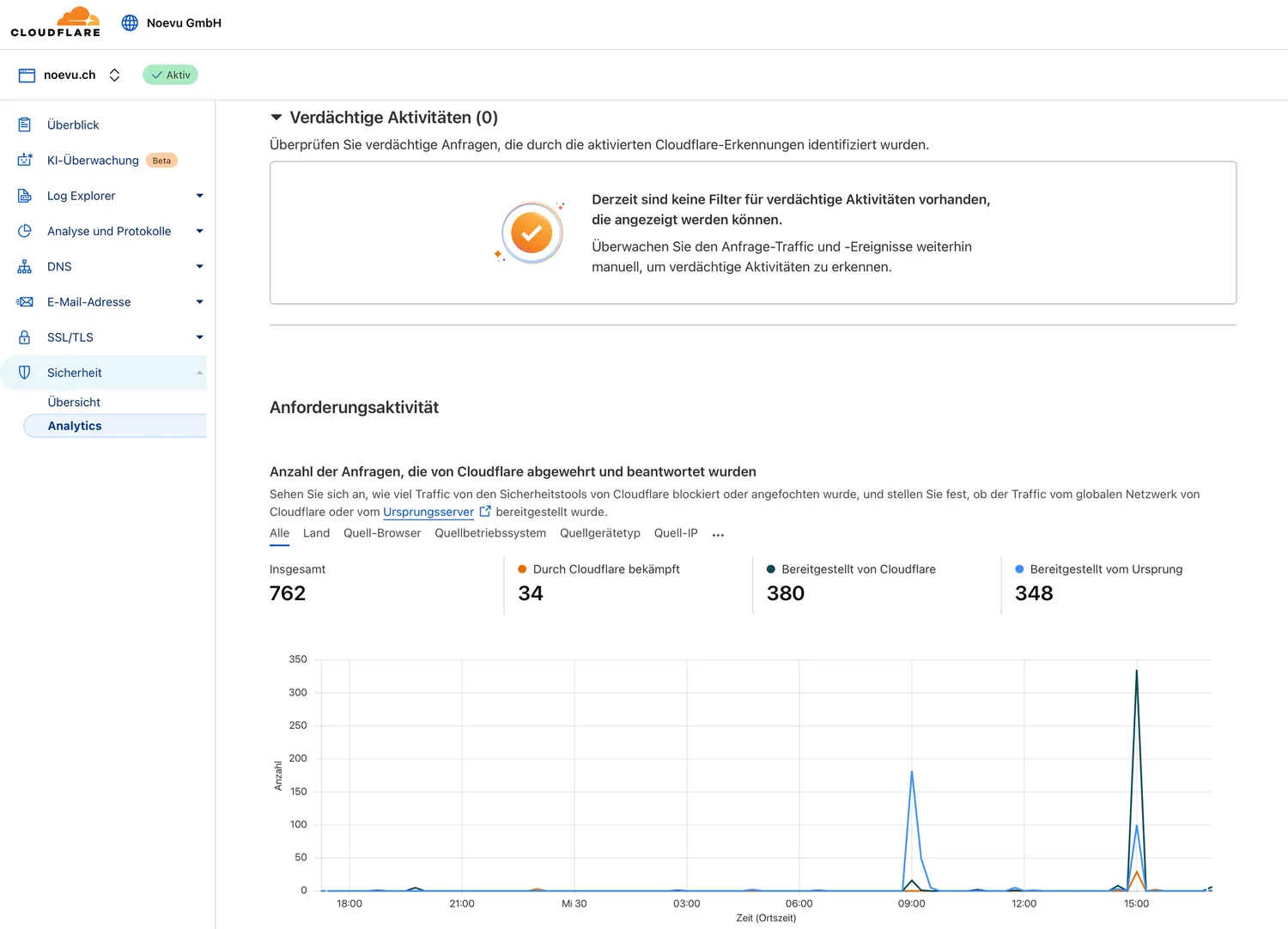
A security incident costs money and the trust your customers have built over years. With WordPress, the risk almost always sits in the extensions. Patchstack counted only six vulnerabilities in WordPress core in 2025, but more than 10,000 in plugins.
WordPress security in 2025 according to Patchstack
- 11,334 new vulnerabilities, 42% more than in 2024
- 91% in plugins, 9% in themes, six in WordPress core
- 1,966 rated high severity, suited to automated mass attacks
- 46% without a developer fix at public disclosure
- Heavily exploited flaws: first attack after a median of five hours
- Highly exploitable vulnerabilities: up 113% year on year
For an SME, this means a plugin left unpatched for a few days is enough for an attack. Closed builders like Squarespace and static websites on a headless CMS hardly have this problem. Updates run centrally there, and no third-party plugins run on the public website.
A counter-example from practice: NZZ Connect moved the website of its Cybersecurity Seminar from WordPress to Squarespace. The brief was to replace a maintenance-heavy system with a platform free of plugin upkeep. That a cybersecurity event of all things left WordPress makes the problem plain.

Which WordPress alternative suits your SME?
The right choice follows from your situation. The overview matches typical situations with a suitable alternative, based on practical experience with Swiss SMEs.
Your situation → suitable alternative
- Service firm, practice, a few pages → Squarespace or Wix
- Design agency, creative studio → Webflow
- Marketing team with campaign pages → Framer
- Freelancer with a very small site → Jimdo
- Online shop with product catalogue → Shopify
- Blog, newsletter, memberships → Ghost
- Large website with an open-source requirement → TYPO3 or Drupal
- Growing SME with lots of content and languages → headless CMS with Astro
Three signals show it is time to move away from WordPress. Updates regularly break parts of the website, and maintenance eats more time than new content. On top of that, every new feature needs another plugin. If one of these applies, the free CMS check for Swiss SMEs is worth it.
How Noevu sees it
Noevu itself moved from Squarespace to a headless CMS with Astro. The reason was growth: three languages, lots of content and in-house tools no longer fit a website builder. For small sites, Squarespace remains a good choice, with little effort and predictable costs.
The goal is the right fit, not the newest technology. A tradesperson with five pages does not need a headless CMS. An SME that wants to win customers through content, on the other hand, soon hits the limits of a builder.
What successful websites share is the groundwork. Structure, content and implementation are thought through before the platform is chosen. That applies to Squarespace as much as to Webflow or a headless CMS.
Conclusion for Swiss SMEs
Every situation has a clear best alternative to WordPress. Small websites are easiest on a builder like Squarespace or Wix. Shopify suits shops, Ghost suits blogs and newsletters. If you require open source, look at TYPO3 or Drupal.
If the website grows with content, languages and enquiries, a headless CMS carries it furthest. WordPress stays flexible but keeps demanding time for updates and security. When the switch is due, you can have a new website built instead of patching the old one again. The first step is a free conversation that puts strategy before platform.

A no-obligation conversation shows specifically how solutions for demanding Swiss SMEs are built — far beyond the standard.
Frequently Asked Questions
What is the best alternative to WordPress?
For small SME websites with a few pages, a builder like Squarespace or Wix is the simplest alternative. Hosting, security and updates are included in the subscription. Shopify suits online shops, Ghost suits blogs and newsletters. If the website grows with lots of content, languages or integrations, a headless CMS is the stronger choice. The CMS check for Swiss SMEs shows which direction suits you.
What alternatives to WordPress are there in 2026?
The main alternatives fall into five groups. Website builders include Squarespace, Wix Studio, Webflow, Framer and Jimdo. Shopify covers online shops, Ghost covers blogs and newsletters. Open-source options are TYPO3, Drupal and Joomla. Then there are headless CMS such as Payload, Strapi or Sanity, combined with a framework like Astro. Each group solves a different problem, so the choice depends on what your website is for.
Is there a free alternative to WordPress?
Yes. TYPO3, Drupal, Joomla and Ghost are open source and cost nothing as software. Hosting, setup and maintenance still cost money, just as with WordPress. Wix, Webflow, Framer and Jimdo offer free plans that show ads or a third-party address. That is enough for testing, hardly for a company website. Squarespace has no free plan, only a trial period.
Is WordPress still up to date?
WordPress runs 39.6% of all websites and remains the most-used CMS. Many features come through plugins, though, and that is where Patchstack found 91% of new vulnerabilities in 2025. Modern alternatives deliver fast, static pages without plugin upkeep. For an existing, well-maintained WordPress website, switching is not a must. For a fresh start, the comparison is worth it.
Is WordPress still secure for my SME?
WordPress core is solid; Patchstack recorded only six vulnerabilities there in 2025. The risk sits in plugins and themes, which together had more than 11,000 new vulnerabilities in 2025. For 46%, no fix was available at public disclosure. Running WordPress therefore takes ongoing maintenance and a security budget. Alternatively, you move to a platform where security is handled centrally.
What is the best alternative to shared hosting for WordPress in Switzerland?
The direct successor is managed WordPress hosting in a Swiss data center. Your website runs on its own resources instead of a server it shares with many other websites. The provider takes care of updates, backups and caching. That makes the website faster and lowers the risk from outdated plugins.
A move is also the right moment to check whether you still need WordPress. For small sites, Squarespace is often simpler, with hosting and security included. For larger websites with lots of content, a headless CMS fits better. The free CMS evaluation shows which path suits you.
Does WordPress have a problem right now?
WordPress has two open issues. The first is security: 11,334 new vulnerabilities appeared in 2025, 42% more than the year before. The second is leadership. At the end of 2024, Automattic CEO Matt Mullenweg temporarily cut the host WP Engine off from WordPress.org. Only a US court had access restored. For SMEs, this shows how much WordPress depends on a few people. Its market share has also been falling since 2025.
Which is better, WordPress or Wix?
For a small website with little upkeep, Wix is usually the better choice. Hosting, security and updates are included in the subscription, and the editor works visually by drag and drop. WordPress offers more freedom in features and hosting, but needs ongoing maintenance of plugins and themes. For large websites with lots of content, a headless CMS beats both. The comparison with Squarespace is in Squarespace vs. Wix.
How much does WordPress cost per month?
The software itself is free. Hosting in Switzerland costs around CHF 15–30 per month, depending on the provider. On top come premium plugins for security, performance, SEO and multilingual support, plus a theme or page builder. For a typical SME website, that adds up to around CHF 800–1,500 or more in the first year, not counting maintenance time. Squarespace Core costs $23 per month with annual billing, hosting and security included (as of March 2026).
Which CMS is the market leader?
WordPress is the clear market leader. According to W3Techs, in October 2026 it runs 39.6% of all websites and 58.3% of websites with a detectable CMS. Shopify follows with 5.3%, Wix with 4.2% and Squarespace with 2.4%. WordPress's share is falling, though: at the start of 2025 it still stood at 43.6% of all websites.
Can you do professional SEO with Squarespace?
Yes. The myth that Squarespace is unsuitable for SEO is outdated. Squarespace manages load times, SSL, mobile display and code structure centrally. The key on-page tools such as page titles, meta descriptions and redirects are built in. Limits appear with very large multilingual websites, where a headless CMS gives more control. More in the article on Squarespace SEO.
What programming language does WordPress use?
WordPress is written in PHP and stores content in a MySQL or MariaDB database. TYPO3, Drupal and Joomla are also based on PHP, while Ghost runs on Node.js. Headless websites built with Astro use JavaScript and TypeScript and deliver finished, static pages. For you as the site owner, the effort for updates and security matters more than the language.