

What is Payload CMS — and why it matters for SMEs
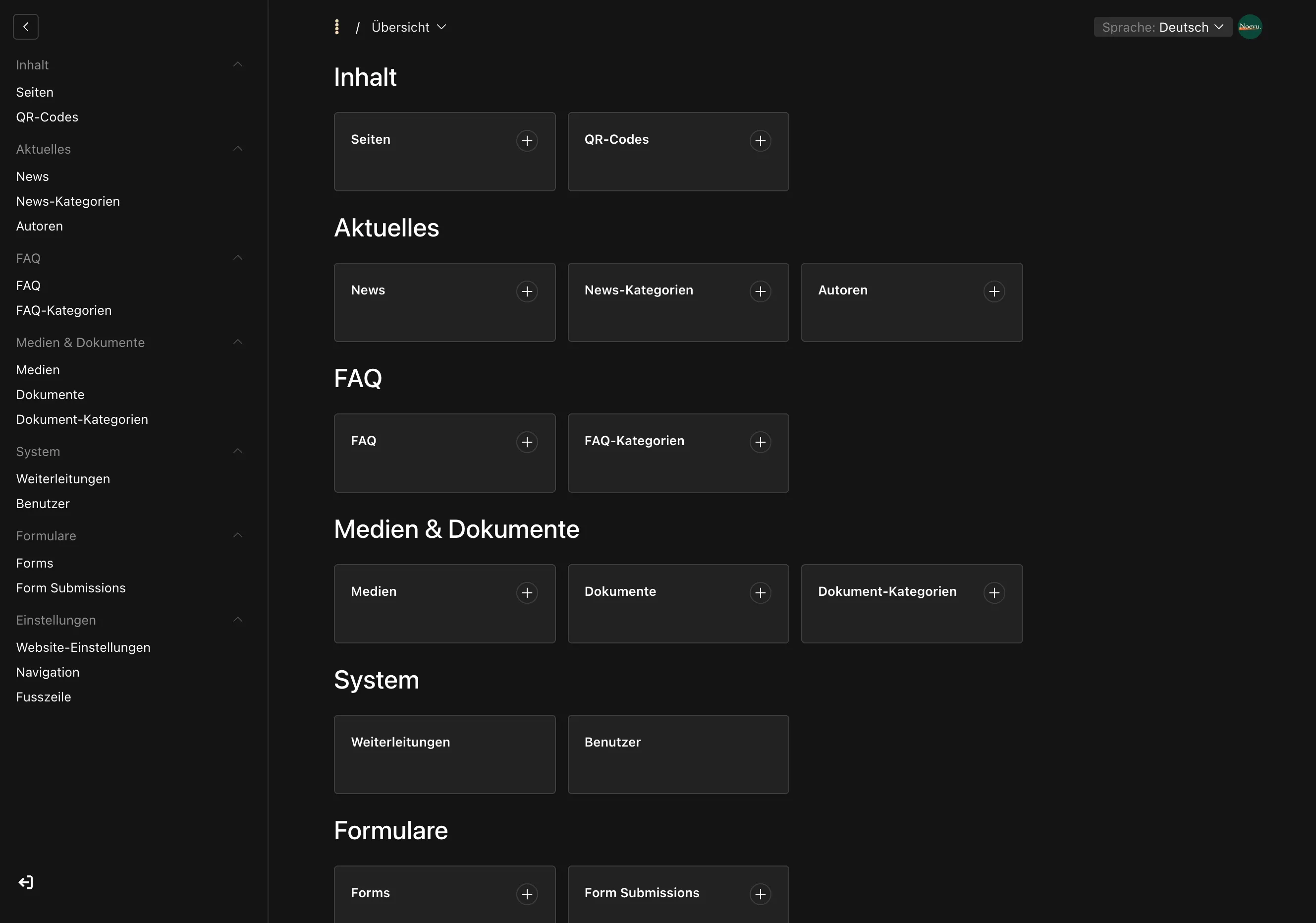
Payload is a so-called headless CMS — a system where content management and the visible website are completely separate. You manage texts and images in an admin interface, and that content can be delivered anywhere: website, app, or newsletter. Other headless CMS platforms work similarly.
What makes Payload distinctive: it is code-first. The content structure — which fields a page has, how sections interact — is defined in code, not assembled in a ready-made builder. For you, this means the website follows your processes, not the other way around. Payload is also open source and self-hostable — including on a server in Switzerland.
For SMEs, this means in practice: Payload gives you a great deal of room to tailor a website precisely to your business. That flexibility is real — but the setup requires developers; the daily work afterwards does not.
A CMS that adapts to your business
The greatest advantage of Payload for SMEs is its flexibility. Many systems force you into a predefined structure — with Payload it works the other way: the platform can be shaped around specific needs with remarkable ease. A booking form, a custom calculation tool, a product database with specialist fields — whatever the business requires becomes part of the website, not an add-on bolted on alongside it.
What this flexibility delivers in practice
This adaptability is also why Noevu uses Payload when a project needs more than a standard website. Rather than bending an off-the-shelf product until it approximately fits, a solution is built that is shaped to the client from day one. The price of that freedom: it has to be built — by someone who knows the platform. And this is where an often-underestimated lever comes in: because Payload lives in code, building custom features can be done with AI support. A calculator, a booking flow, or a specialised database take shape faster and more cost-efficiently than before.
Payload in the AI age — AI is built in, not bolted on
Many CMS platforms are hurriedly stacking AI features on top. Payload goes further and openly positions itself as the CMS for the AI age — with two sides that matter to an SME: what AI the system brings, and how well you can work with AI alongside it.
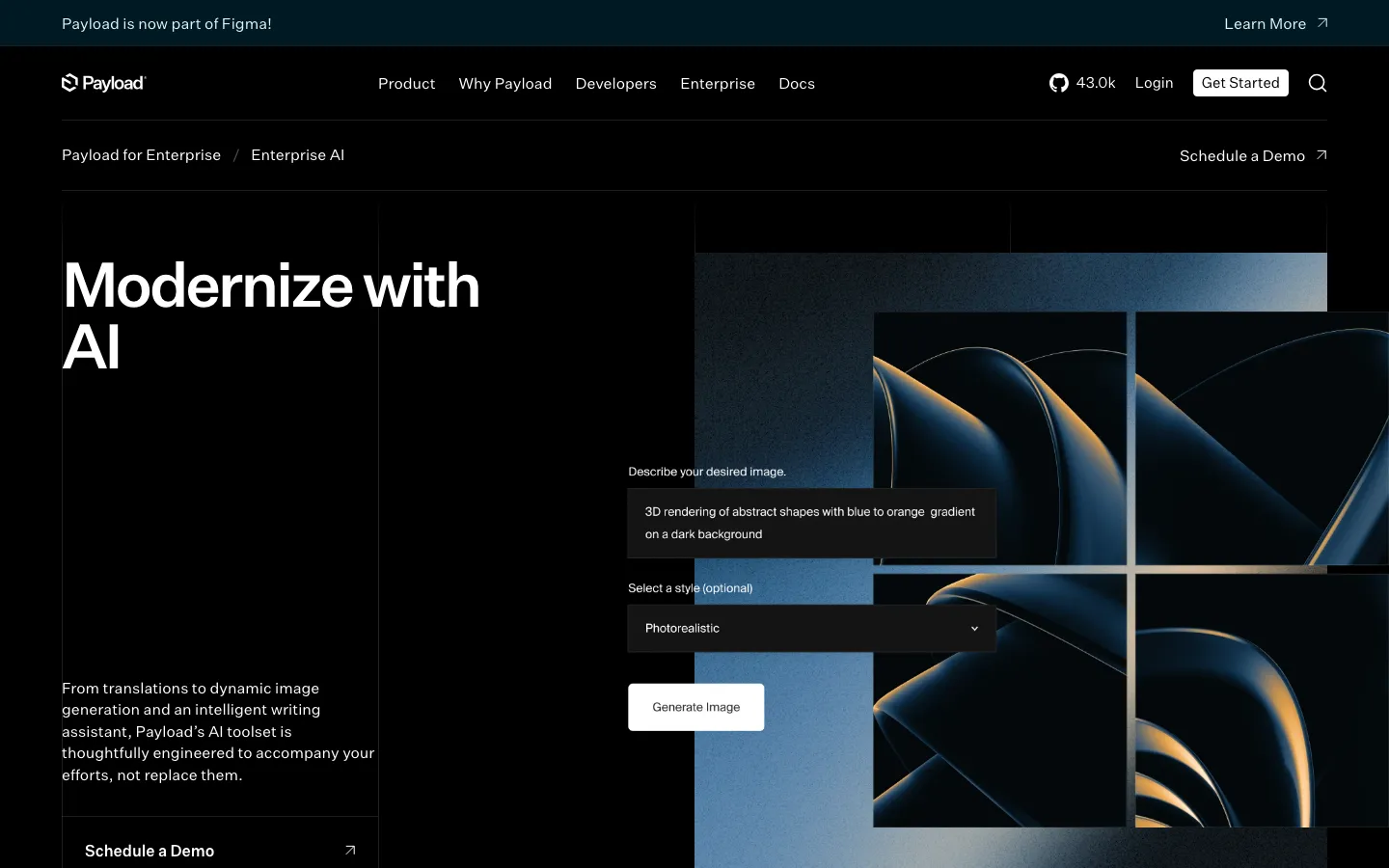
The Enterprise edition includes a full AI toolkit — and in one area it goes further than most systems:
What AI Payload brings
The second side is the real lever for Noevu. Because Payload lives in code, custom features can be built faster and more cost-efficiently with AI-assisted development than before. And because everything runs self-hosted, that AI power stays on your own infrastructure — unlike pure cloud systems, whose AI sends your content to a foreign provider. With Payload, AI capability and data sovereignty are not in conflict.
The full AI suite — writing assistant and image generation — belongs to the paid Enterprise edition. The free open-source version gains AI through plugins and the MCP plugin: less polished, but open and extensible. For most SMEs, this plugin route is entirely sufficient.
Your data stays in Switzerland
Here lies a second major advantage for Swiss SMEs: you can run Payload on your own server — including at a Swiss provider like Infomaniak or nine.ch. Self-hosting means your content and data stay where you decide, not in the cloud of a foreign vendor.
For Switzerland's revised Data Protection Act (revDSG, in force since September 2023), this is a plus. With many cloud services, data resides in the EU or the US. For most SMEs, the EU is unproblematic — Switzerland recognises it as a safe data territory. But in sensitive sectors such as healthcare, pensions, or finance, Swiss hosting is often required or clearly preferred.
That is precisely where the value of data sovereignty becomes clear. A self-hosted system on a Swiss server keeps sensitive data in the country — without routing it through a foreign cloud.
Swiss data location does not automatically mean "secure." What matters is who maintains the server: a self-hosted system is only as good as its maintenance. Without regular updates, a data protection advantage can quickly become a security risk. Clarify early on who will handle operations long-term.
Multilingual content and image editing — without extra effort or plugins
In Switzerland, multilingual support is rarely optional — it is a requirement. German, French, Italian — an SME website often needs all three. Payload has multilingual support built in: content can be managed per language without an additional plugin and without rebuilding the site three times.
In practice, this can be taken further. An integrated AI translation tool translates new content directly in the admin interface — at the click of a button, with a review-and-correction step before anything is published. For you, this means a new article is available in all languages within minutes, and quality control stays with you. Instead of commissioning each translation externally, it is produced in the same workflow as the original.
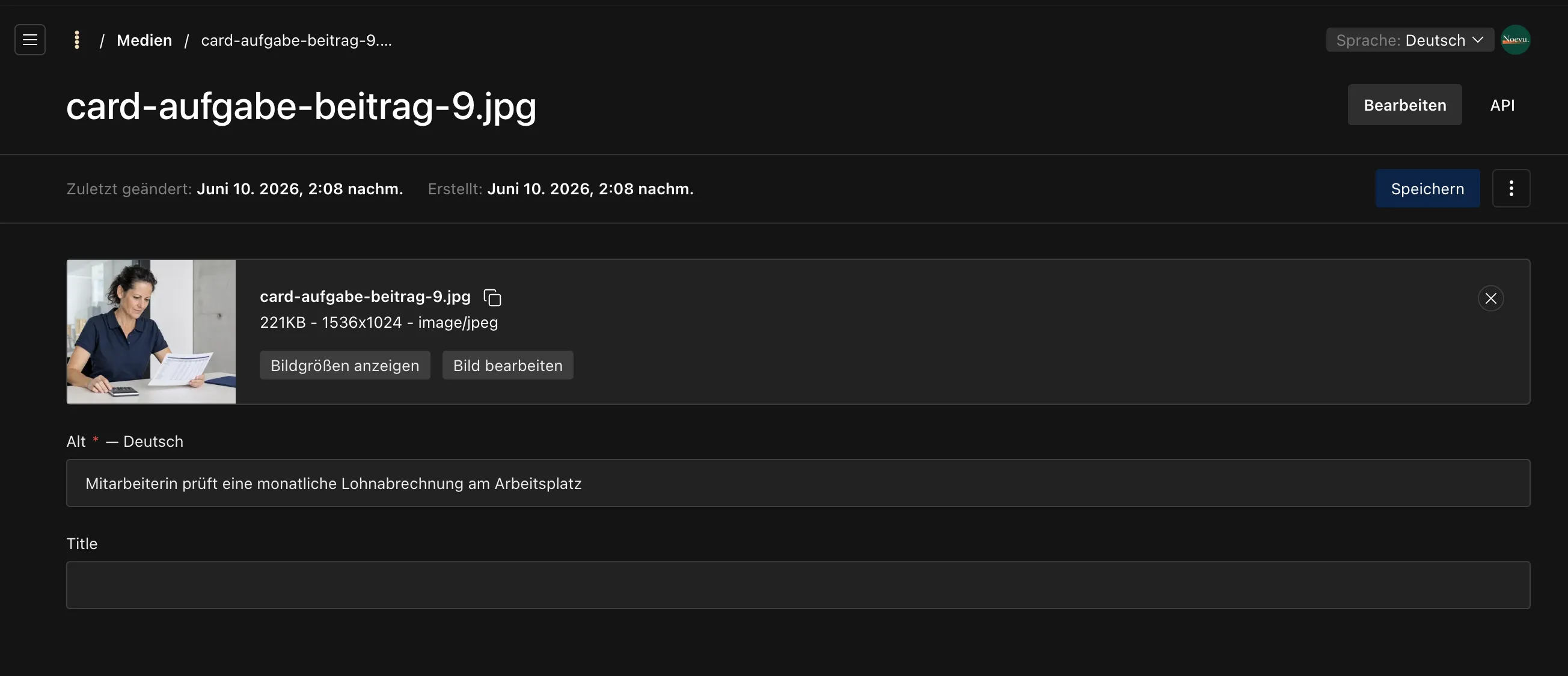
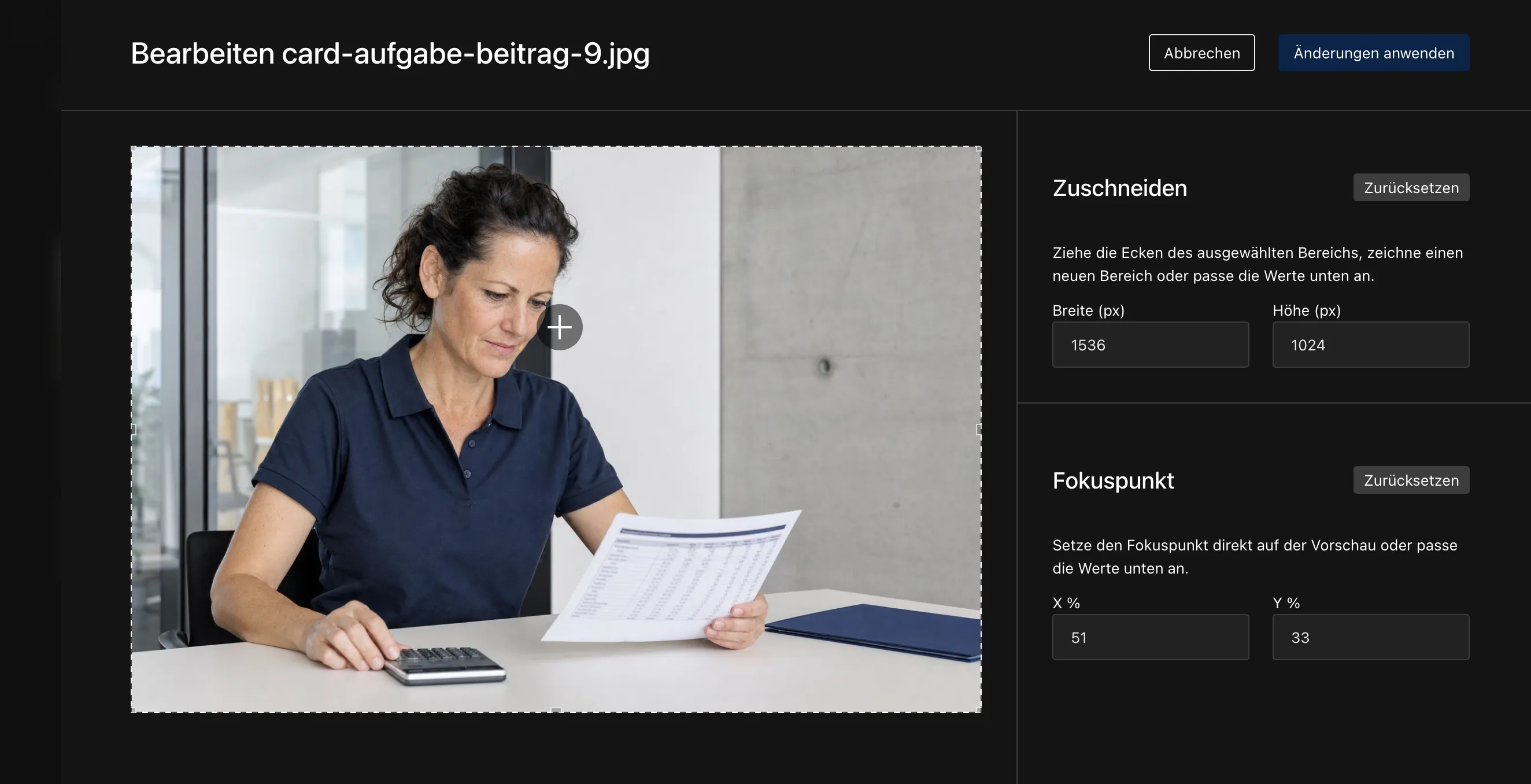
The same goes for images. Cropping, setting a focal point, managing alt texts per language — all of it sits directly in Payload, without an extra plugin. For you, this means an image is uploaded once and then fits every spot and every language, with no external tools.
Live preview: see it before it goes live
One feature that makes a real difference in day-to-day editing is the live preview. While you are editing text, you see right next to it how the finished page will look — not a rough approximation, but the actual layout with your content. For you, this means fewer surprises after publishing and more confidence when editing, even for team members without a technical background.
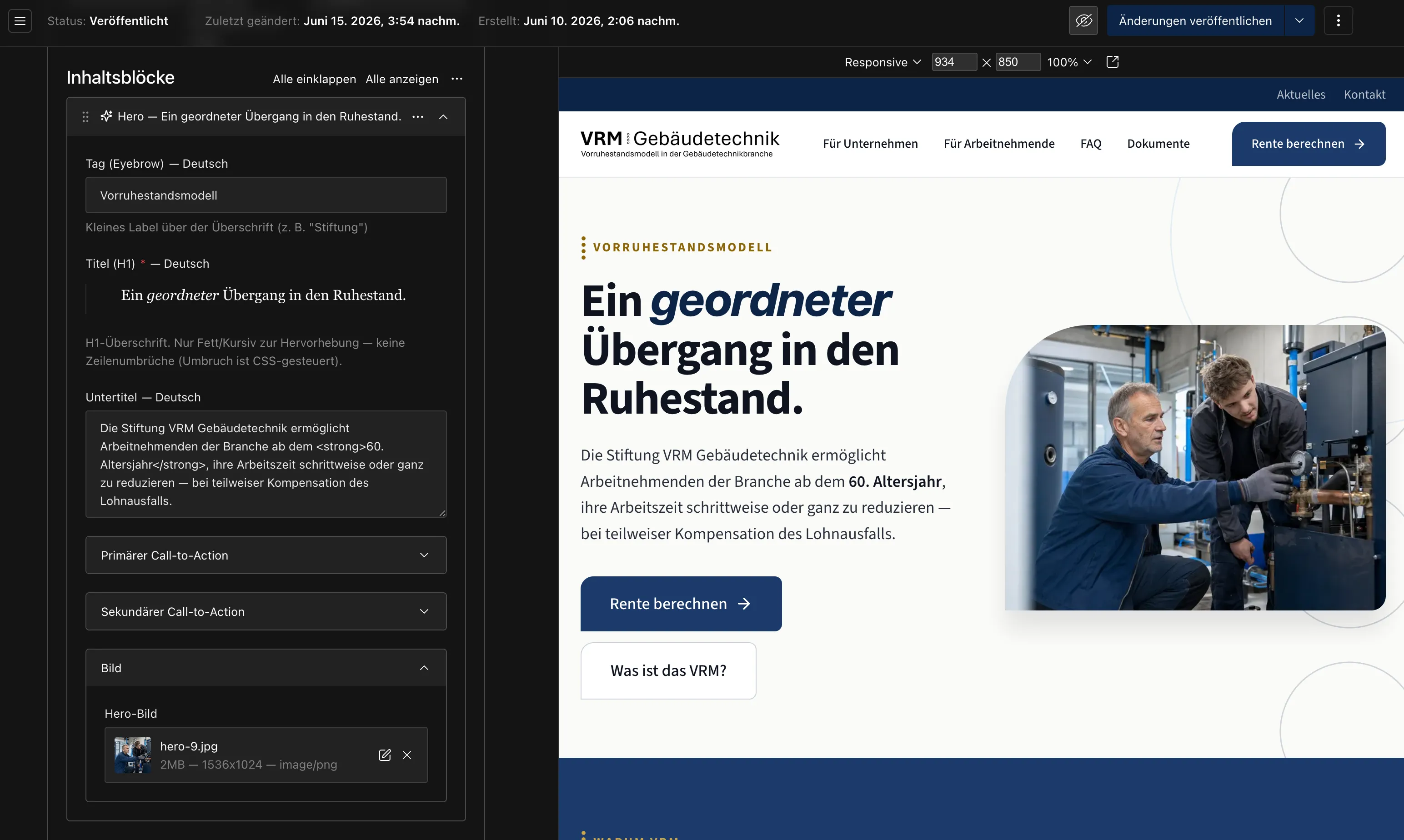
This is where Payload plays one of its strengths. The live preview is deeply built into the platform and mature — a noticeable advantage over Strapi, where the same feature is less developed. Anyone who regularly manages content will notice this difference every day.
The live preview takes the fear out of the "publish" button for inexperienced editors. When you can see what will happen, you feel confident managing content yourself — and that is exactly what reduces ongoing costs, because not every change requires the agency to step in.
From practice: the pension platform for VRM Gebäudetechnik
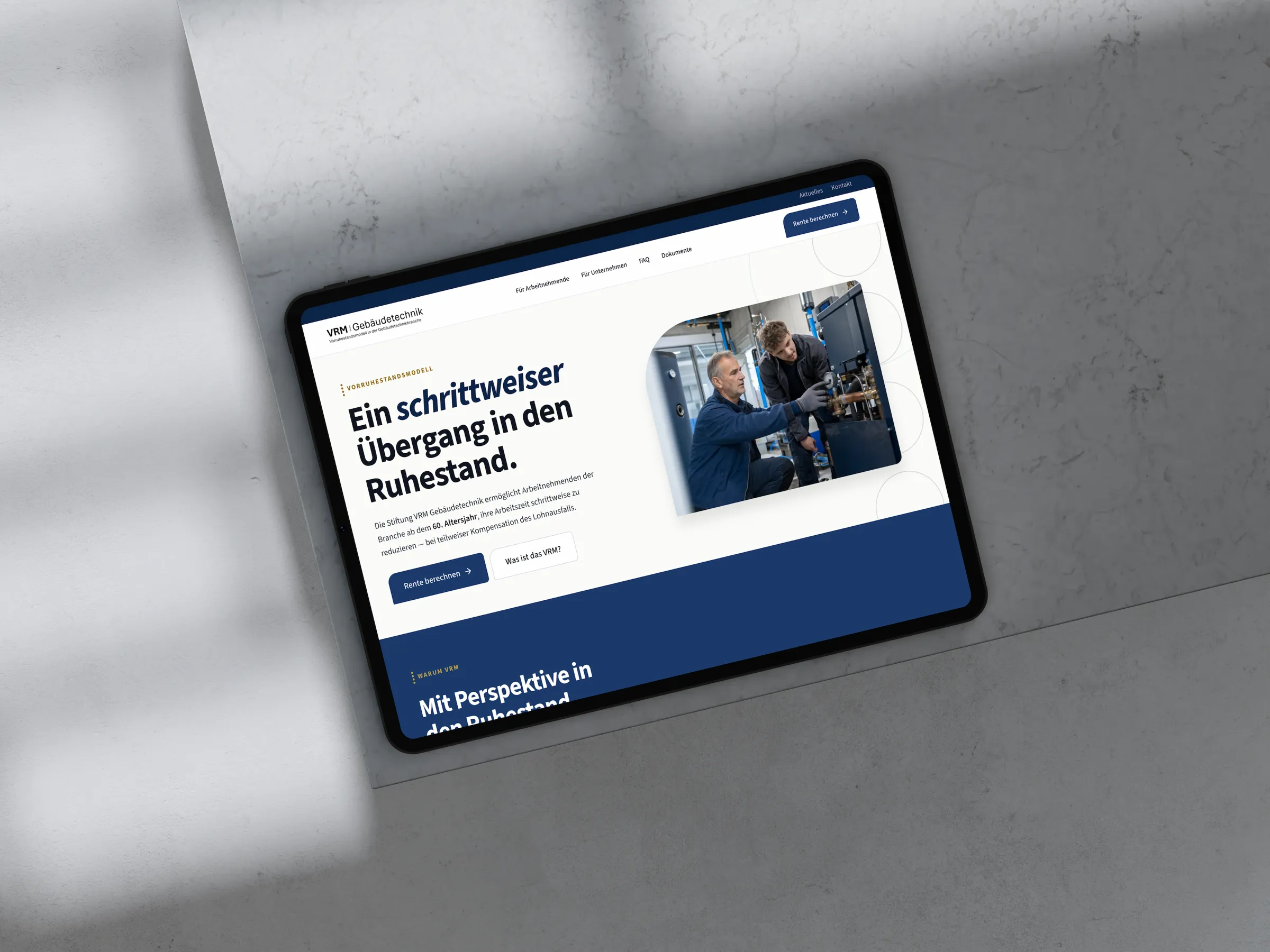
How these advantages combine in a real project is shown by the multilingual pension platform Noevu built for VRM Gebäudetechnik on Payload — the full project report covers the details. The project is a good example of what the platform makes possible in practice:
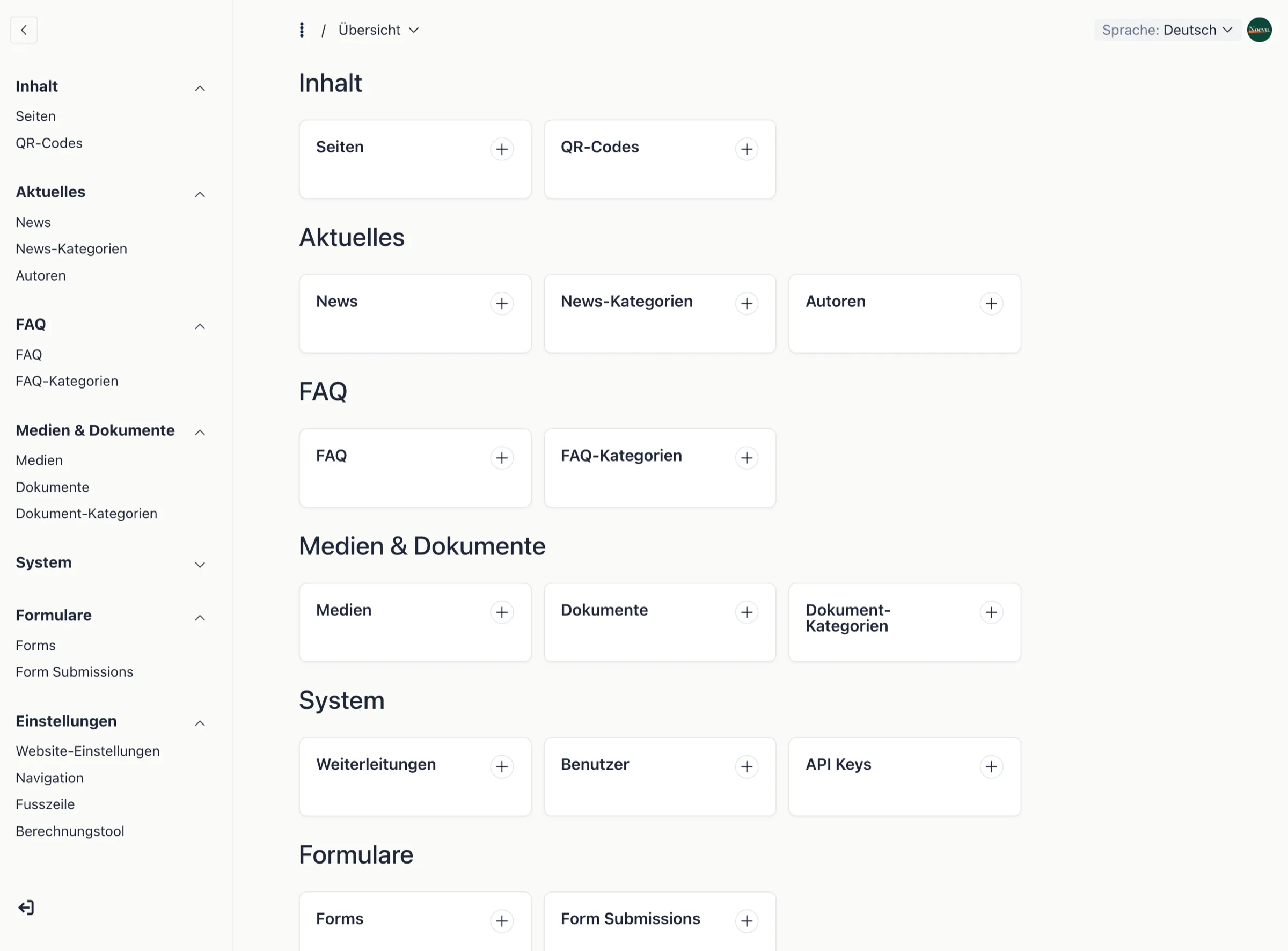
What this project includes
- Three-language website (DE/FR/IT), translation with one click directly in the admin interface
- Self-hosted on a dedicated Swiss server — data stays in the country
- A custom calculation tool integrated directly into the site rather than as an external tool
- A FAQ section, organised by target audience and searchable
- A privacy-compliant AI chatbot running on the client's own server
- An editorial handbook so the client's team can manage content independently
What stands out in the project: the platform can be shaped to specific needs without detours — from custom calculators to language logic. Payload is now used by Noevu across several projects, from Swiss SMEs to international presences. It is not the right tool for every website, but where individuality and data sovereignty matter, it plays to its strengths. If you are planning a similar project, it is worth exploring custom website design.
When Payload fits — and when it does not
Payload is not the right tool for every situation. But there are clear scenarios where it plays to its strengths — and others where it is simply too much.
Payload fits particularly well when:
- Your website needs to do more than text and images — custom features, calculators, forms, databases
- Multiple languages are required and content changes regularly
- Data sovereignty matters — your data should or must stay in Switzerland
- You want AI features without sending content to a foreign cloud
- The setup is handled professionally, internally or through an agency
Payload is less suitable when the website is modest in scope — few pages, rarely updated — or when no one can provide technical support for the setup. That concerns the setup, not the running: once Payload is properly configured, your team manages posts, pages and images on its own, without developers. Only the underlying design stays within the defined frame, and that is deliberate — the appearance stays consistent no matter who writes. If nobody, internally or through an agency, can handle the setup, a builder like Squarespace is the better fit.
Many choose a flexible system like Payload because it sounds "future-proof" — and underestimate that this freedom has to be built and operated. Those who need a simple brochure website pay for headroom with Payload that they will never use. Assess honestly how much customisation your project actually needs before committing.
What Payload costs — and what is often overlooked
Payload's pricing model looks unbeatable at first glance: the software is open source and free. But the license is only a small part of the total picture.
What does not appear on any price list:
- Website development: Payload delivers the content management layer — the visible website is built separately. Initial costs: roughly CHF 8,000–25,000 depending on scope.
- Setup and content structure: Because Payload is code-first, setting up the system and structuring content requires developer time.
- Hosting and operations: Server costs, updates, and security patches accumulate continuously — with self-hosting, that responsibility is yours.
- Enterprise AI: The full AI suite is paid — the free version relies on plugins instead.
Bottom line: the saved license does not mean the system is free. It shifts costs from the license to development and operations — but in return the solution is entirely yours.

For Noevu, Payload is currently the system that delivers custom client features the fastest and most cost-efficiently. The reason: on a code base, development can be accelerated with AI. When weighing cost, still calculate the full package over three years, not just the license.
Payload compared: Strapi, Squarespace & WordPress
Anyone evaluating Payload usually also looks at Strapi and WordPress — and if the goal is to work entirely without developers, Squarespace. The four systems follow very different approaches; the right choice depends less on individual features than on your situation.
| Payload | Strapi | Squarespace | WordPress | |
|---|---|---|---|---|
| Hosting | Own server or cloud | Own server or cloud | Cloud (USA) | Own server |
| Source code open | Fully | Fully | No | Fully |
| Free plan | Yes (self-hosted) | Yes (self-hosted) | No (subscription) | Yes (software free) |
| Swiss data location possible | – | |||
| Developer to build | Yes | Yes | No | Yes |
| Multilingual support | Built in | Built in | Limited | Via plugin (e.g. WPML) |
| Live preview | Built in, mature | Limited | Built in | Theme-dependent |
| AI features | Suite, RAG, MCP plugin | Strapi Cloud only | AI assistant (text, design) | Via plugins (e.g. Jetpack AI) |
| Day-to-day usability | Very good | Very good | Easy, but hits limits fast | Solid, plugin-dependent |
| Best for | Custom, AI-ready projects with data sovereignty | Data sovereignty + editor-friendly | Simple sites without developers | Classic blogs and DIY projects |
As of 2026. Pricing and features may change.
The most important difference: Payload, Strapi, and WordPress require developers for setup and technical operations — but in return the solution is yours and can stay in Switzerland. Squarespace works without developers, but you give up flexibility, data sovereignty, and depth. Compared with WordPress, what stands out with Payload is cleanliness: no legacy baggage, no plugin sprawl, a well-structured foundation. If the data does not have to stay in Switzerland, Sanity is worth a look: the same class of editorial interface with built-in AI features and a visual editor, but in the vendor's cloud instead of on your server. There is no objectively best system — only the right fit or the wrong one.
Conclusion
Payload is one of the most flexible headless CMS platforms on the market — and one of the few built for the AI age. The system rewards projects that need more than a standard website: custom features, AI capability, multilingual support, data sovereignty. For SMEs with these requirements and a professionally handled setup, Payload is an excellent foundation.
For simple websites with nobody to handle the setup, Payload is too much. The barrier sits at the build, not at daily use.
If you are still unsure after reading this, that is not a disadvantage — it is the right moment to discuss the question with someone who knows various systems from practical experience. A brief conversation often clarifies more than a long feature comparison.

In a no-obligation conversation, Noevu analyzes your situation and shows which CMS setup truly fits your business.
Frequently Asked Questions
Is Payload CMS free?
The Payload software is open source and free — there is no license fee. Costs arise elsewhere: in developing the website, hosting it on a server, and ongoing maintenance. Those who do not want to handle operations themselves can use Payload Cloud, the vendor's hosted offering — which incurs monthly fees. For most SMEs, the free, self-hosted version is fully sufficient.
Does Payload have built-in AI features?
Yes. The Enterprise edition includes an AI writing assistant, image generation, and translation — directly in the admin. In one area, Payload goes further than most systems: it is the only CMS so far that is RAG-ready, meaning your content can be prepared for direct AI queries — for example a chatbot that answers only from your actual content. An official MCP plugin also makes the CMS operable by AI assistants. The free version gains AI via plugins such as payload-ai.
Do you need developers for Payload?
For the initial setup: yes. Payload is configured in code — developers define the content structure, not a visual drag-and-drop builder. That sounds like overhead, but it has an advantage: the website can be built exactly around your processes. For day-to-day content management afterwards, no programming skills are required — editors work in a clean browser-based interface. Those who want to work entirely without developers are better served by a builder like Squarespace.
Where is data stored with Payload?
You decide that yourself. Because Payload is self-hostable, you can run it on a server in Switzerland — for example at Infomaniak or nine.ch. This keeps your content and data in the country, which is a clear advantage under Switzerland's revised Data Protection Act (revDSG) and for sensitive industries. The AI features then also run on your own infrastructure, rather than sending content to a foreign cloud.
Payload or Strapi — what is the difference?
Both are self-hostable headless CMS platforms that keep your data in Switzerland. The difference lies in the approach: Payload is built in TypeScript and is code-first — content structure is defined in code, and as a result live preview and AI features are particularly mature. Strapi offers a visual builder for content types and a somewhat lower entry barrier. An honest assessment of Strapi is available in a separate article.
Can you switch from WordPress to Payload?
Yes, migration is possible. Content can be exported from WordPress and brought into Payload. The effort depends on scope — for 50+ pages with complex layouts, plan for several weeks of project time. It often makes sense to combine the switch with a website relaunch rather than only changing the system.