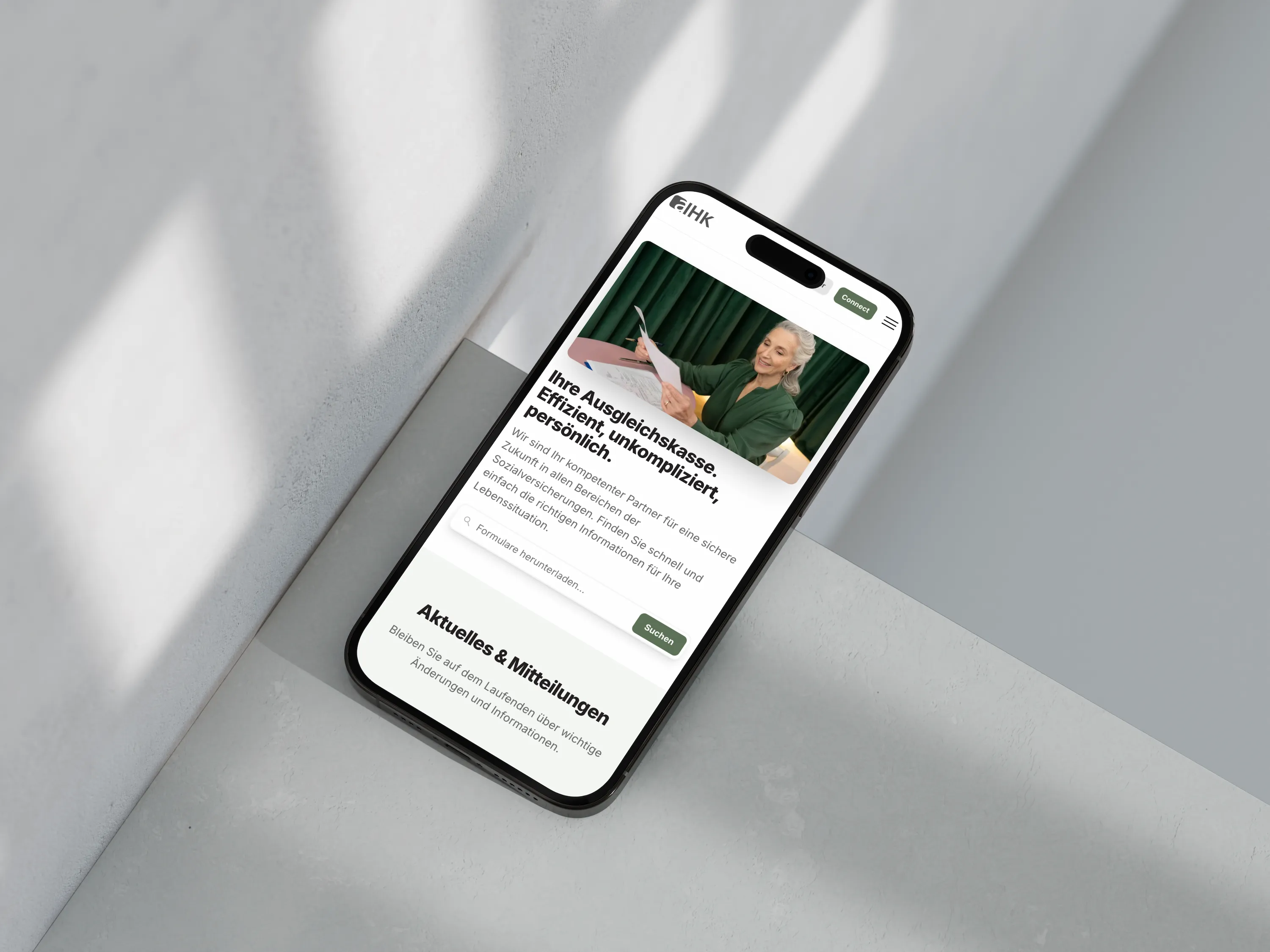


The frontend looks good — an editor-friendly CMS decides what happens next
With every new website, two products are really created. One your visitors see: design, speed, copy. The other your team operates every day — the interface in which content is maintained. At launch, only the first is visible.
This is exactly where a quiet gap lies. The design is signed off, praised and put live. The admin interface, by contrast, is hardly checked by anyone before it lands in everyday use. It is invisible at purchase and yet decides, over years, how alive your website stays.
The effect does not show on day one. It shows in month six, when an address is out of date and no one knows where it can be changed. A website does not age in its design, but in its content — and the content hangs on the interface that maintains it.
An editor-friendly CMS is therefore not a technical nicety. It is the question of whether the team works independently after launch or asks for help with every change. Anyone planning a website should evaluate both products — not only the one the public sees.
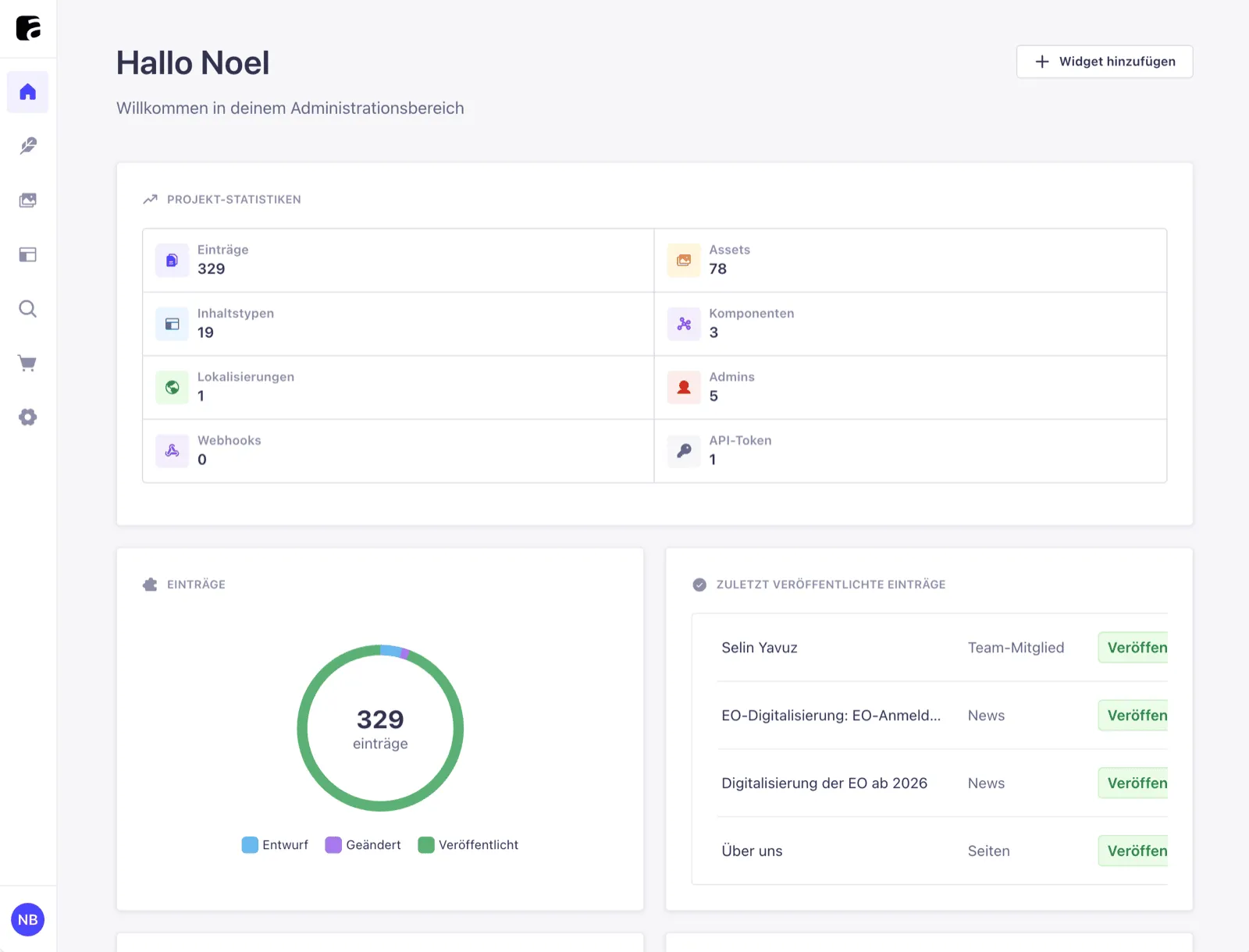
Headless CMS and the question of editor-friendliness
Part of modern websites is built on a headless CMS. "Headless" means the system only manages the content and delivers it through an interface — it does not dictate how the page looks. For you that means more design freedom and speed, but also an admin interface that is a blank sheet to begin with.
This blank sheet is both opportunity and risk. The "backend" — the area where content is maintained, as opposed to the public site — can be set up freely. If this freedom is not used, you end up with a technically correct but confusing input mask.
Not every system invests equally in this editing layer. Some providers shine at the interface and treat the admin view as a side issue. Anyone who wants to work in an editor-friendly way therefore asks not only about features, but about what the daily maintenance actually looks like.
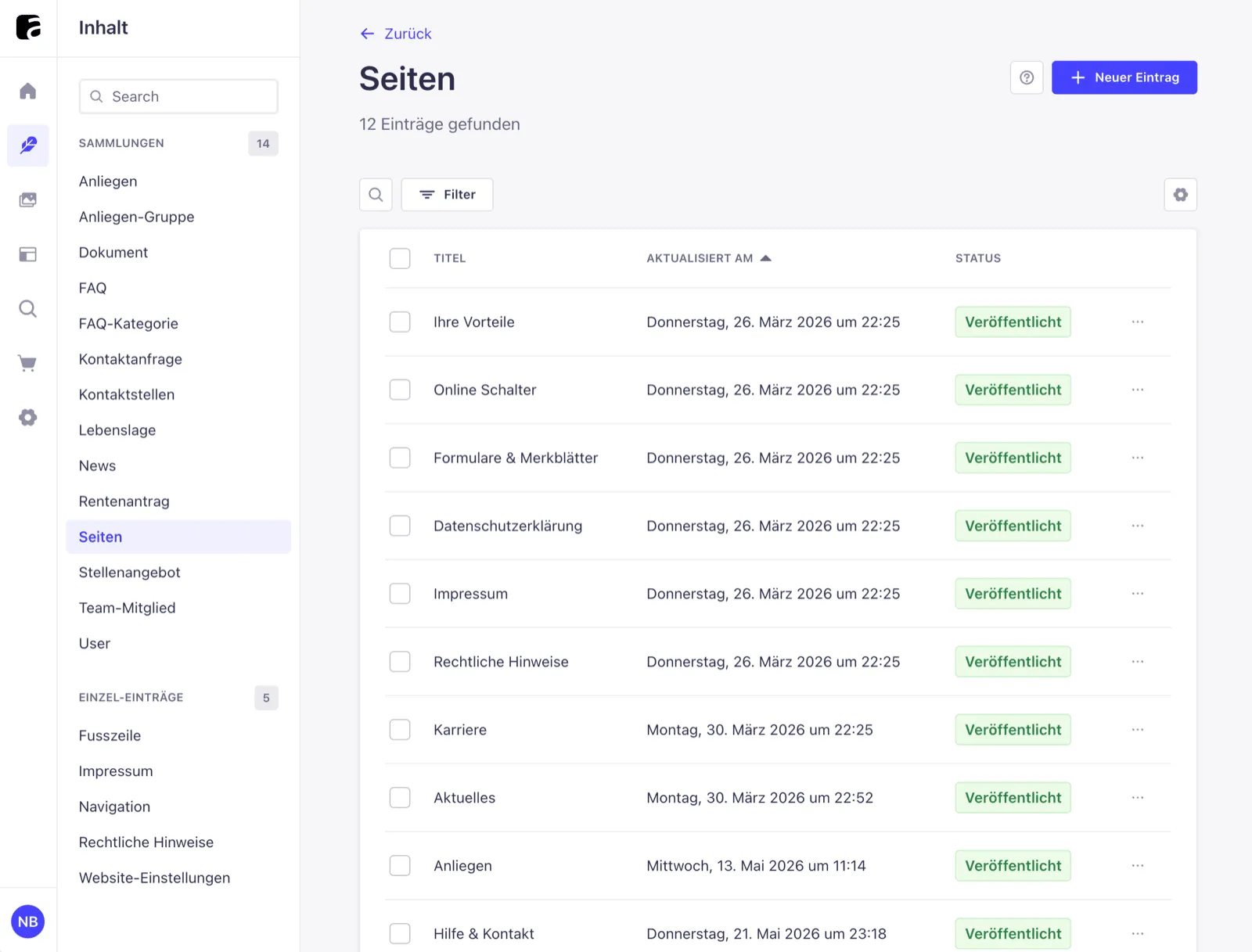
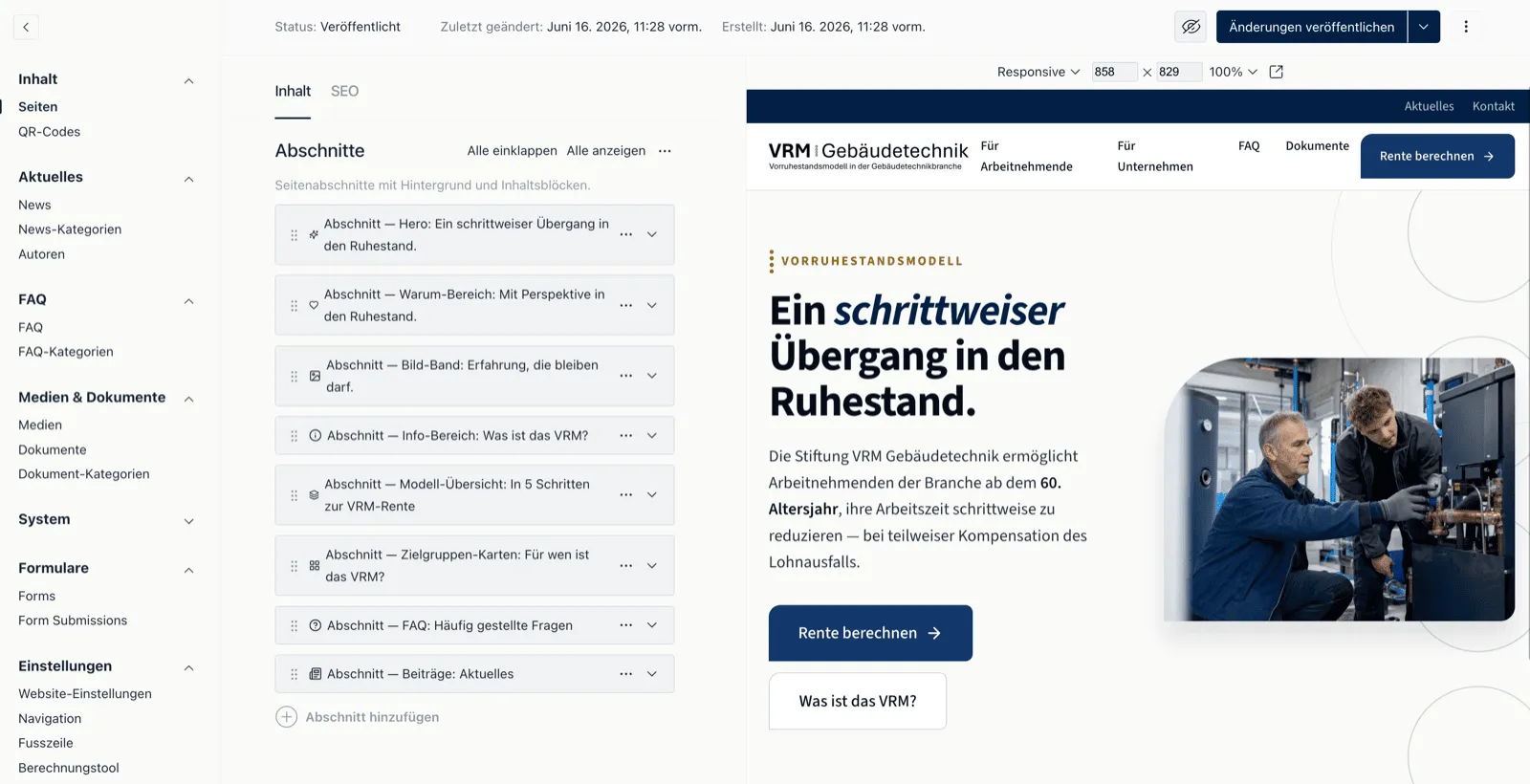
What happens when the backend gets in the editor's way
A confusing admin interface rarely breaks down loudly. It works gradually. When a field is hard to find, it gets skipped, filled in wrongly or worked around. Each of these small hurdles is a quiet loss of quality — invisible until content noticeably ages.
This is a pattern that recurs in practice, not a documented figure. Reliable statistics on editor behaviour barely exist. But the experience across many projects is clear: friction in daily maintenance leads to stagnant content.
Two typical situations from everyday SME life
- The skipped maintenance A team is meant to keep opening hours and contact details current. Because the fields sit among twenty others, no one trusts themselves to change the right one. The details stay out of date for months.
- The detour by email A staff member can't find the field for the page title. Instead of publishing themselves, they send the text to the agency by email. A minute's work turns into a process spanning several days.
The concrete problem: 20 fields, no structure
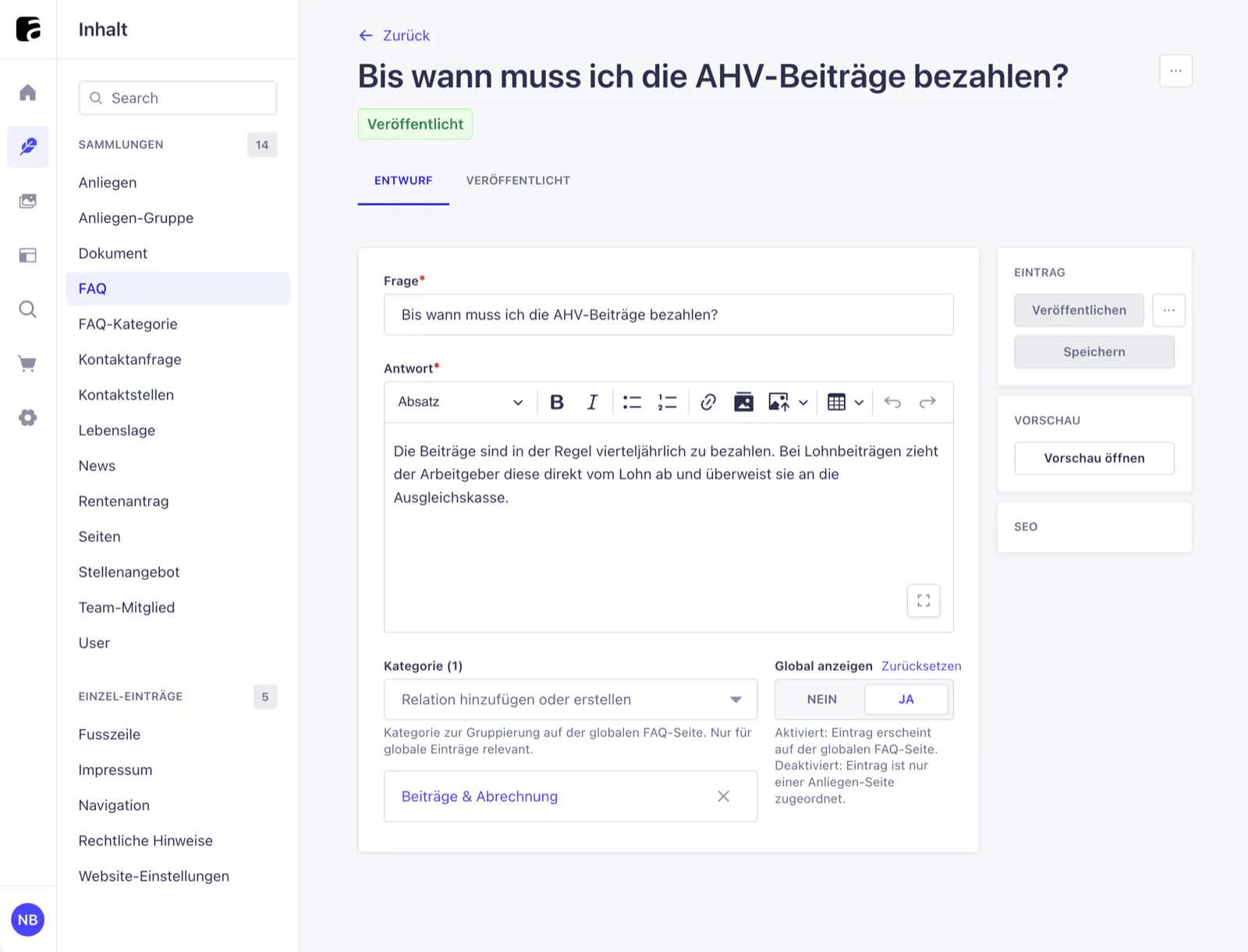
A real example shows what this looks like. For the AIHK social insurance fund Aargau, a website was built on Strapi 5 — a modern content management system. In the global settings, more than twenty fields accumulated: cookie notice, error page text, contact details, all stacked on top of one another.
Strapi 5 ships with no built-in field groups or dividers. A schema — the blueprint that defines which fields exist — fills the mask but does not organise it. For a technical person this is readable. For someone without a technical background it is a wall of input fields.
Such global settings are especially tricky. They are rarely changed, but affect the whole website. Anyone who adjusts the cookie text once a year has no routine — and needs a view that explains itself, showing what belongs where.
The consequence is foreseeable: anyone wanting to change the cookie text scrolls past fields for the error page and is unsure whether they hit the right one. The admin interface does everything formally correct — and still stands in the person's way.
The solution: a Custom Field as invisible structure
The answer was a custom input building block. In Strapi this is called a Custom Field — a self-built element for the admin interface that slots in like a normal field. Instead of storing data, this field only displays a labelled heading with a divider.
This building block, named section-title, divides the long list into clear sections: cookie, error page, contact. For you that means an editor sees at once where she is and changes precisely the right area. The stored content stays unchanged.
Building it took around half an hour. A wall of fields became an ordered view — without new data fields, without added weight in the system. This very small investment is what decides, in everyday use, whether a team works independently.
Why this isn't a hack — but architecture
Such a building block might seem like a stopgap. The opposite is true. It is registered once in the system and is then available to all content types — one component, many places of use. That is clean practice, not patchwork.
Decisive for the long-term value: the building block creates no data field. It adds no load to the schema, the blueprint of the content, and survives system updates unharmed. Anyone who builds the backend this way builds for the long run, not for the sign-off.
This shifts the perspective. The admin interface is not the agency's internal problem, forgotten after launch. It is part of the architecture — planned, reusable and oriented towards the people who work with it every day.

AI in the Strapi admin — what helps today, what is still coming
AI comes into play around the admin interface — honestly assessed, without hype. Practically usable today is AI translation. Once the team saves the main language, the system aligns the remaining languages. For multilingual Swiss websites in German, French, Italian and English, that is a real gain.
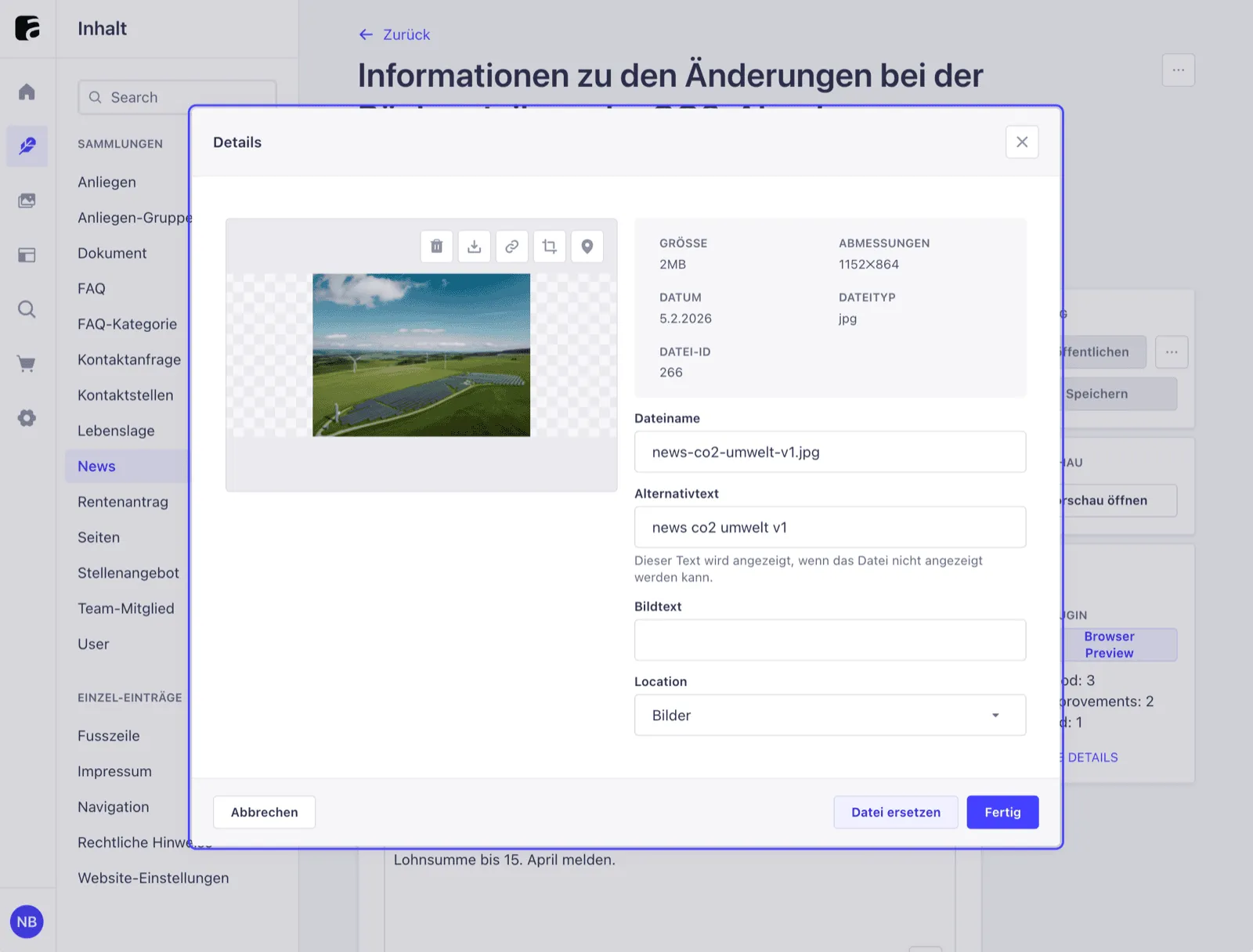
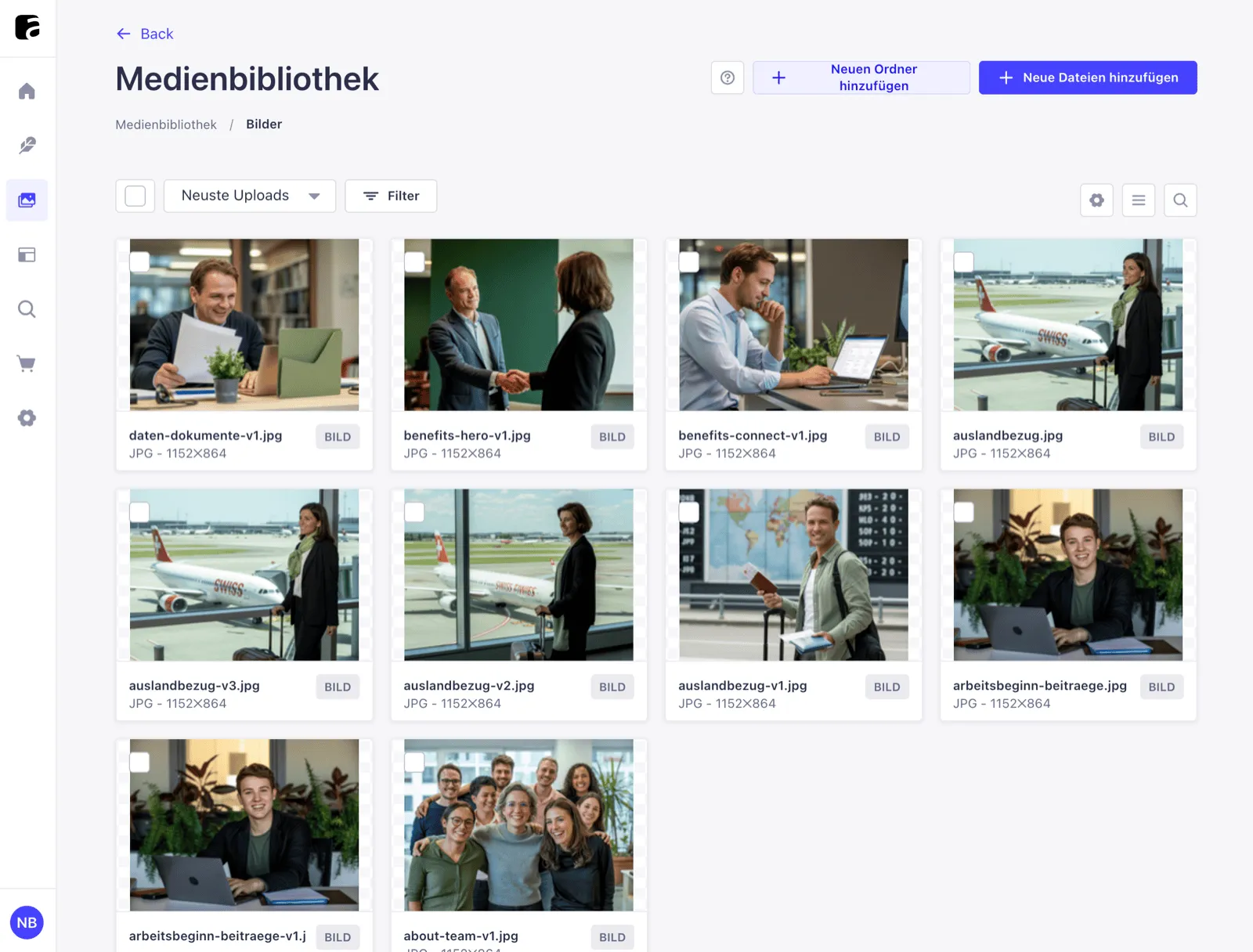
This feature is generally available and included in a paid plan. On top of that comes a second helper: the media library can automatically suggest alt texts on upload, that is, image descriptions for search engines and accessibility. Both noticeably reduce daily friction.
It is a different story with generating content models via AI. This feature is still early and aimed at developers, not at the editorial team. The honest assessment: Strapi invests in the editing layer, AI translation is already usable today, the rest is in the making.
What this means for your website investment
From all of this follows a clear stance. The admin interface is part of what you commission — not a detail that sorts itself out later. Anyone who plans a website also buys the tool with which their own team maintains the content over years.
This can be checked at the selection meeting. With a few pointed questions it becomes visible whether an agency builds the backend for people or only for the machine. The following points help to gauge that.
These are the questions you should ask every agency
Conclusion: the best website is the one that gets maintained
A website lives from its content, and content lives from a team that keeps it current without hurdles. So the long-term quality depends less on the first impression and more on how pleasant the site is to maintain month after month.
An editor-friendly CMS makes that difference. It demands a little more care in building the admin interface — and pays off over years, because content stays current instead of quietly ageing. The invisible half of the product carries the visible one.
Anyone still unsure which questions are the right ones is at a sensible point for a conversation. A look at website consulting or a short discussion clarifies more than another comparison of feature lists.

When planning a new website, it pays to look at the editing view. In a no-obligation conversation, Noevu clarifies how your team can keep content easy to maintain over the long term.
Frequently Asked Questions
What makes a CMS editor-friendly?
A system is editor-friendly when someone without technical knowledge can find, change and publish content — without a manual beside them. What matters is a clear structure of the input fields, understandable labels and a preview that shows how the result will look. The admin interface is part of the product, not an afterthought. Where it is disorganised, fields get skipped and content ages.
Is Strapi suitable for editors without technical knowledge?
Yes — if the admin interface is deliberately tidied up. Strapi is a content management system that separates content from presentation. Out of the box it shows all fields in one long list, without groups. That is overwhelming. With structure, clear labels and a preview, a team maintains content independently. This very tidying work is what separates a finished installation from a system that works in everyday use.
Is a headless CMS worth it for an SME?
Headless means the system manages content and delivers it through an interface, without dictating the presentation itself. For an SME it is worth it when content appears across several channels or when speed and security count. What matters is the editing view: a technically clean system is of little use if the team cannot operate it. More on this in the complete headless CMS guide.
Can the Strapi interface be adapted to your own needs?
Yes, and that is one of the reasons to choose it. Strapi allows custom input building blocks — so-called Custom Fields. With these the editing view can be divided into labelled sections, for example by topics such as cookie, error page or contact. Such adaptations are registered once and reused across all content types. They do not change the stored data and survive system updates.
Which AI features does the Strapi backend offer today?
Practically usable today is AI translation: once the team saves the main language, the system aligns the remaining languages — valuable for multilingual Swiss websites in German, French, Italian and English. It is available in a paid plan. On top of that comes automatic alt text in the media library. Generating content models via AI is still early and aimed at developers.