

Why is good preparation for go-live important?
The launch of a new website is a crucial milestone. For your company, this moment is the ignition for sustainable digital growth, greater visibility in search engines and ultimately more qualified customer inquiries. But success does not come by chance - it is the result of careful and strategic preparation. If you set the right course right from the start, you avoid expensive mistakes and lay the foundation for an online presence that really works for the company.
Publishing a website is technically easy. Launching one that is strategically positioned from day one requires foresight and know-how.
It's about sending clear signals to search engines like Google that your content is relevant for the Swiss market. At the same time, you need to offer your visitors a seamless and compelling experience that turns them from prospects into loyal customers. Follow these steps to not only publish your website, but to launch it strategically.
Before you press the big ominous "Publish Website" button, the course must be set carefully and correctly. These fundamental steps form the technical and strategic backbone of your successful new online presence and lay the foundation for sustainable growth. Take enough time for this - it's worth it.
1. What do you have to consider for good SEO at Squarespace?
This step ensures Google & Co. immediately understand who you are and what you offer. This metadata is your digital flagship.
Global page titles and SEO descriptions: Gives each individual page a concise, keyword-optimized title (max. 60 characters) and a convincing meta description (approx. 155 characters). The title should contain the main keyword of the page and your brand name. The description is your free advertising space: it must encourage clicking and clearly communicate the benefits. These texts are often the first thing potential customers see from you.
Logical URL structure: Pay attention to short, “speaking” URLs (e.g. yourcompany.ch/premium-webdesign). Avoid cryptic URLs with numbers or unnecessary filler words. A clean URL structure not only helps users orientate themselves, but also signals the hierarchy and content of your pages to search engines.
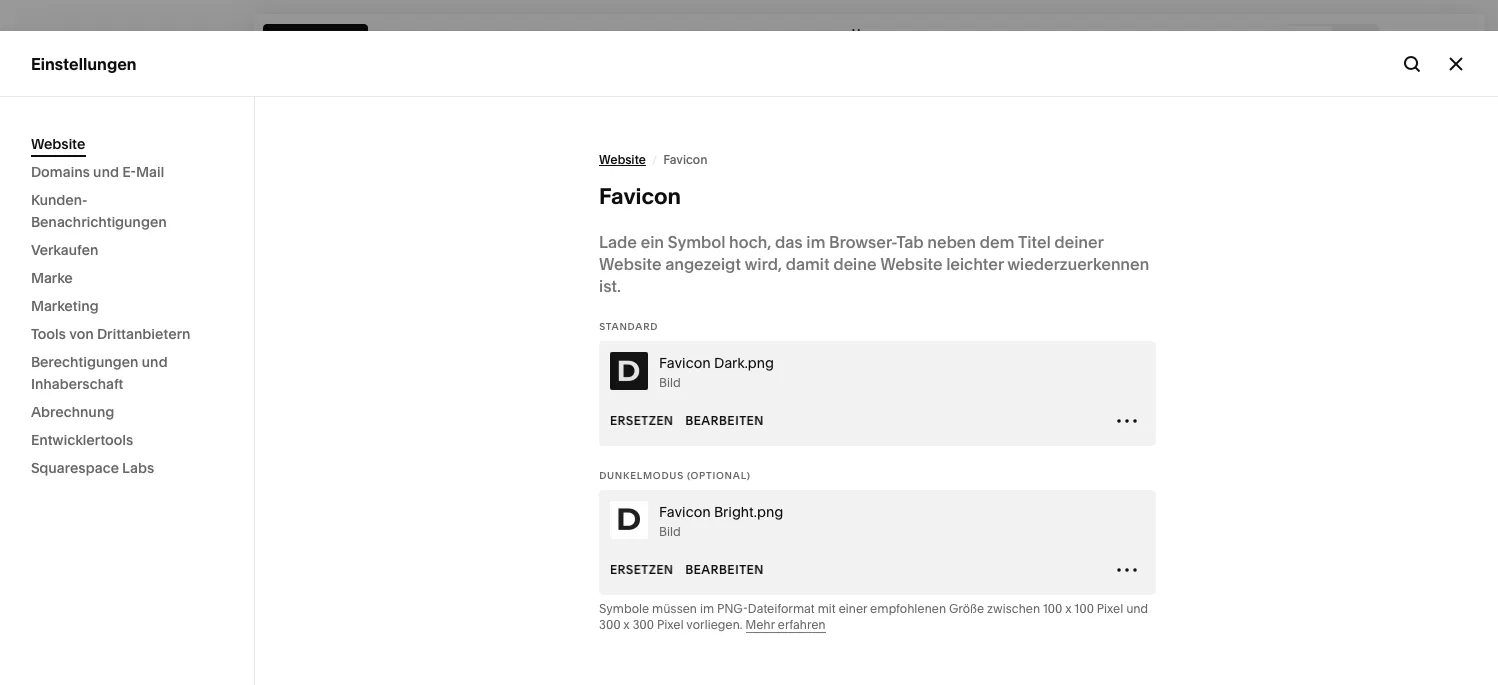
Unique browser symbol (favicon): Provides a sharp, recognizable favicon. It strengthens your brand presence in the browser tab, bookmarks, and even mobile search results. It's a small detail that exudes professionalism and attention to detail.
2. How do I make sure my website is ready to go live?
A Premium Web Design is much more than just a beautiful facade. It is the perfect symbiosis of aesthetics, intuitive functionality (usability) and strategically prepared content that attracts and convinces your target group.
Mobile-first optimization: Test your website intensively on various smartphones and tablets. The majority of Swiss surf on mobile. Ensures that texts are readable, buttons are easy to click and all functions can be used properly even on small screens. Squarespace offers a good basis here, but individual adjustments can be crucial.
Intuitive navigation and internal linking: Ensures a clear and logical menu structure. Your visitors should get to the most important information with a maximum of three clicks. Also set strategic internal links from strong pages to weaker ones in order to distribute the SEO power (link juice) across your entire site and to make thematic connections clear to Google.
Image optimization and alt texts: Compress all image files (ideally under 500 KB, even better under 300 KB) to keep loading times short. Name the files logically before uploading (e.g. premium-webdesign-schweiz-noevu.jpg). Formulate a careful and descriptive alt text with relevant keywords for each image - this is crucial for accessibility (screen reader) and image SEO.
Social media integration: Link your social media channels and store an attractive social sharing image (in the Squarespace SEO tab) for each important page. This will ensure that your brand looks professional and inviting when your content is shared on LinkedIn, Instagram, Facebook & Co.
3. What legal things do I have to consider before starting?
Legal certainty and local discoverability are two sides of the same coin. For Swiss SMEs in particular, it is crucial to build trust with customers and search engines right from the start and to fully comply with local regulations.
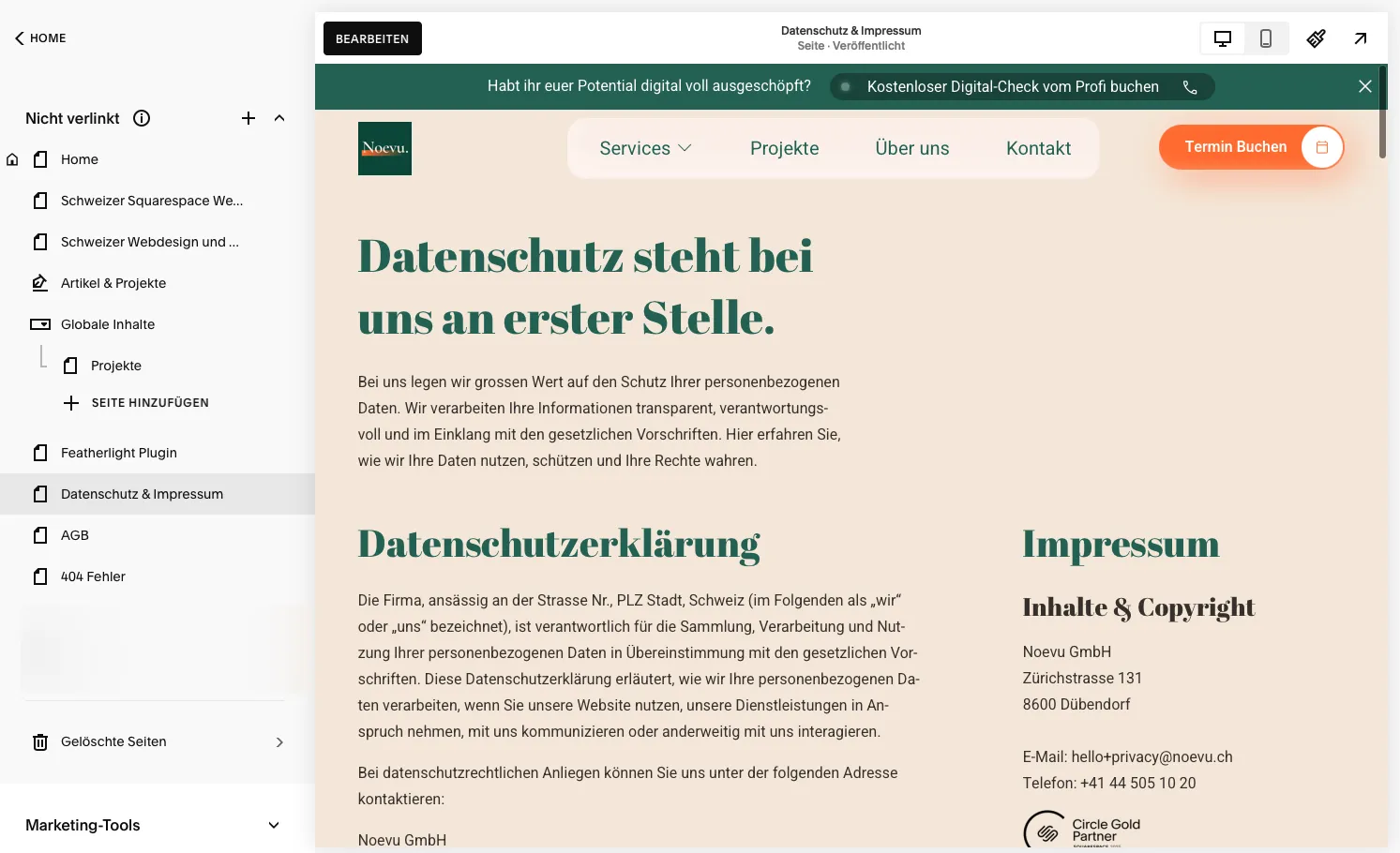
Legal pages (Swiss-compliant): Creates a complete legal notice and a data protection declaration adapted to the new Swiss Data Protection Act (DSG). Make sure your cookie banner offers users real choice. For online shops there are also general terms and conditions and cancellation instructions.
The legal requirements are complex and changing. If you are unsure whether your texts meet the Swiss requirements, an experienced Squarespace partner can support you. Book a free video meeting here.
Optimized Google Business Profile: This is your most important and powerful tool for local search. Set up your profile completely and in detail: with the exact address, opening times, all relevant services, professional photos and actively collect customer reviews. Also use the post function to share news. This will help you rank top in Google Maps and in local searches like “web designer in Zurich”.
Location integration on the website: Integrates a dedicated contact page with address, phone number (in international format) and an embedded map. This information should be consistently repeated in the footer on every page. This is a clear and strong signal to Google that you are an established, local business.
SSL encryption: Make sure your domain has active and correctly set up SSL encryption (https://). This is the only way to transfer the existing SEO strength to the new site and avoid loss of rankings.
This is an official ranking factor, protects your visitors' data and is an absolute must for trust.Individual 404 error page: Design a friendly and helpful 404 page.
4. Visitors who click on a dead link shouldn't end up in nowhere. How do I ensure that the transition from the old to the new site works?
Offer them a search function, links to the most important pages and perhaps a humorous message to avoid frustration and keep them on your site.Essential 301 redirects: If you are replacing an existing website, this step is absolutely critical.
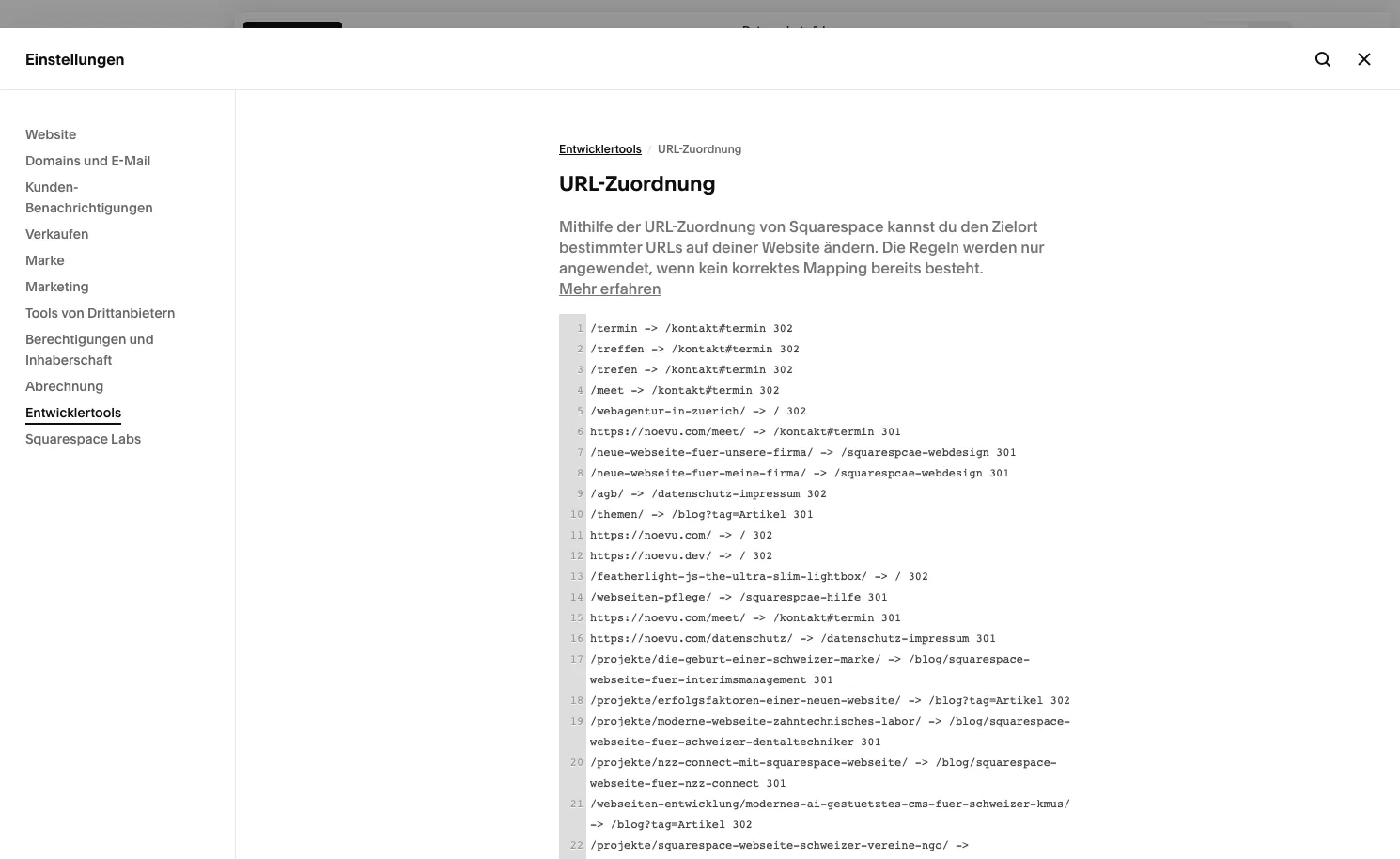
Ensures that the technology in the background runs smoothly and efficiently. You have to set up a permanent redirect (301 redirect) to the corresponding new page for each old URL.
Managing hundreds of redirects can be error prone. If you need professional support from a Swiss Squarespace developer, Noevu is there for you.
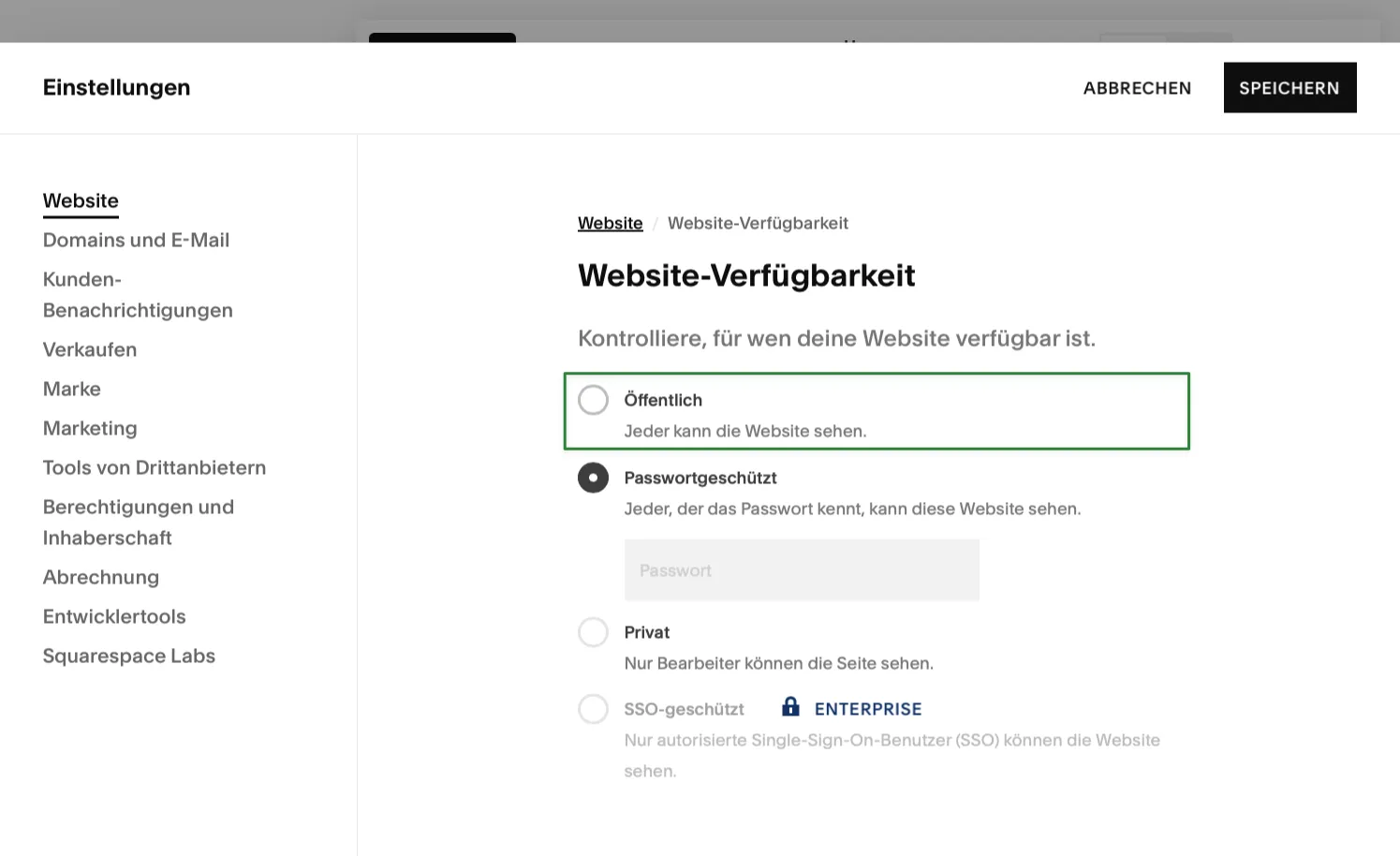
Check indexability: Performs a final crawl using an SEO tool or manually checks the page settings to ensure that all relevant pages are visible to Google and that no important page is accidentally set to "noindex". Also don't forget to remove the password lock on the development site.
5. What do I need to consider after starting my new Squarespace site?
The work isn't done with the launch - it's just beginning. A successful website is a living ecosystem that needs to be maintained and developed.
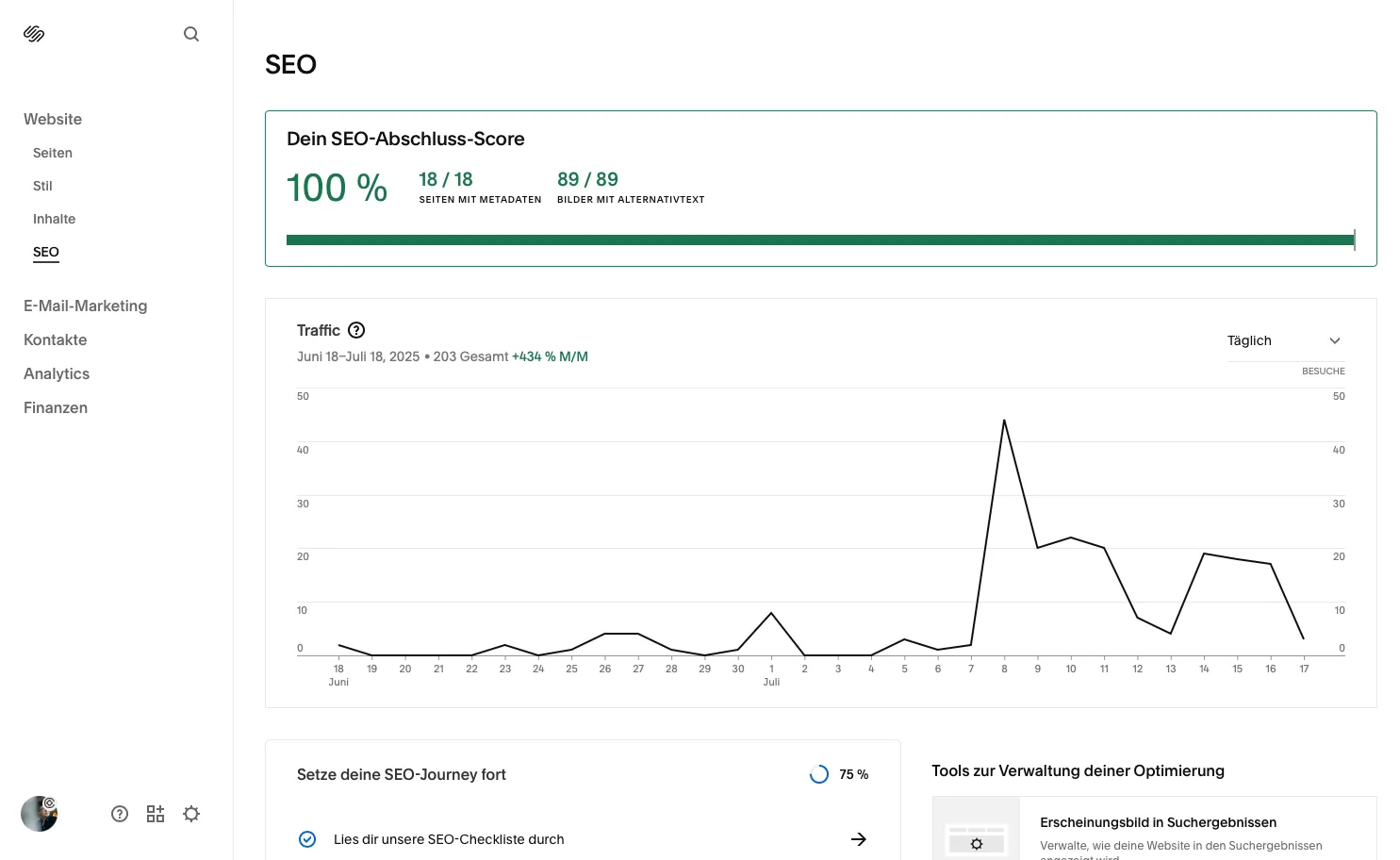
Register your website with Google & Bing: Register your new website with the search engines by actively submitting the sitemap (the URL is usually yourdomain.ch/sitemap.xml). Regularly create new, high-quality and SEO optimized content that answers the questions of your target group. You can do this using the respective webmaster tools (Google Search Console and Bing Webmaster Tools). Updates existing pages and blog articles to keep them fresh and relevant.
Set up Google Search Console: To connect your Squarespace website directly to Google Search Console, go to the Analysis > Search Terms tab in the Squarespace backend. Make strategic adjustments based on the analysis data to continually improve the user experience.
By submitting the sitemap, you give the search engines a map of your site and speed up the indexing process significantly.Perform regular monitoring: Keep an ongoing eye on your rankings for the most important keywords, the organic visitor numbers and user behavior (e.g. dwell time, bounce rate). There you will find the option to link your website. Use analysis tools such as Google Analytics and the reports in Google Search Console to get detailed insights. This step allows Google to crawl your website efficiently and provides you with invaluable data. This way you can recognize potential for optimization and react quickly to changes in the market or at Google.
Continuous optimization: SEO is a marathon, not a sprint.

A well-thought-out content strategy is the key to long-term success. For continuous support and the strategic development of your content, Noevu is an experienced Squarespace partner you can rely on. Let's talk about your goals.
I need professional support, what now?
You have worked through this checklist but feel overwhelmed by the sheer volume of tasks or would you like a professional review? Noevu helps clients avoid pitfalls and exploit the full potential of your website from the start.
The go-live of our new website was a complete success - thanks to Noevu's professional support, we were able to concentrate fully on the content. The collaboration was always reliable, efficient and pleasant.

Unsure whether all points are implemented correctly? Book a free online appointment and get a professional review of your site.
Frequently Asked Questions
How long does it take for my new website to be found on Google?
It usually takes a few days to two weeks for Google to fully index a new page. You can speed up this process by actively submitting your sitemap to Google Search Console.
Is a Google Business Profile really that important for my SME?
Yes, absolutely. For every Swiss SME with a local or regional connection, an optimized Google Business profile is the key to visibility in your immediate area. It's your free, interactive showcase in Google Search and Google Maps.
What do I have to pay attention to when it comes to legal texts for Switzerland?
The most important thing is compliance with the new Swiss Data Protection Act (DSG). Imprint and a transparent data protection declaration are mandatory. A correct cookie notice that gives the user a real, informed choice (opt-in for non-essential cookies) is becoming increasingly important and is a sign of seriousness.
As an SME, how do I find the right keywords?
Start with a well-founded keyword analysis: Put yourself in the shoes of your customers. What terms, problems and questions do they enter into Google? Use tools like Google Keyword Planner, but also look at the “Similar questions” box in the Google results. Analyze the competition to find the search terms that really bring you qualified queries.
What is the greatest leverage after go-live?
Stay active and be patient. The greatest lever for sustainable success is the continuous creation of relevant, high-quality content. A blog with expert articles, detailed project presentations (case studies) or a comprehensive advice section show Google that your site is an authority in your field. This always pays off in the long term.