
What is rapid prototyping — a brief explanation
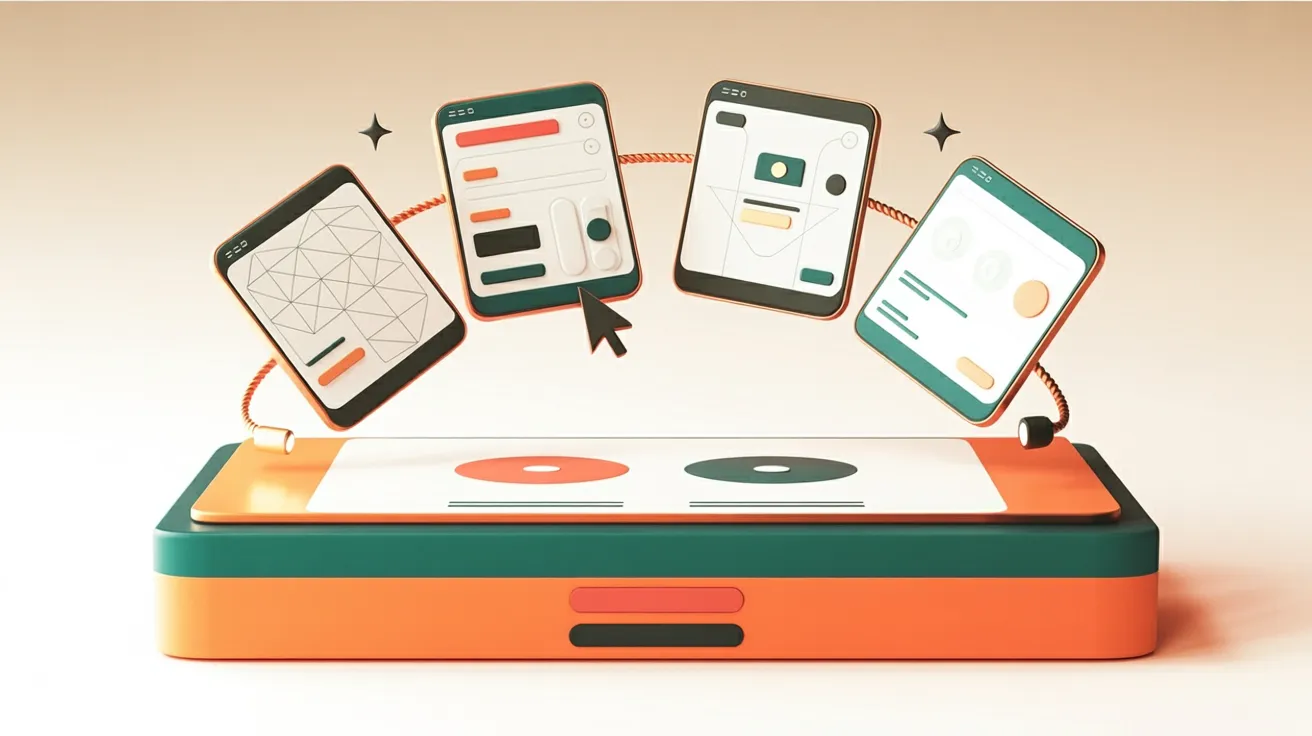
The term rapid prototyping originally comes from industrial manufacturing. In web design, it means something different: the quick creation of visual designs and clickable models to make an idea tangible — before investing in actual development.
Instead of spending months perfecting a concept, initial visible results emerge within days or hours. These prototypes are not finished websites. They are tools for making decisions: Does the structure work? Does the navigation function? Does the design achieve the right effect?
For Swiss SMEs, this is particularly relevant. Many web projects start with a lengthy planning phase where everyone involved has different expectations. Rapid prototyping makes those expectations visible — and uncovers misunderstandings before they become expensive.
When does rapid prototyping pay off?
Rapid prototyping is not a cure-all. It delivers value where uncertainty exists — about the design, structure or target audience of a website. When the outcome of a web project cannot be clearly defined in advance, a prototype helps more than any briefing document.
An architecture firm in Zurich is planning a relaunch. Three partners have different visions for what the new website should achieve. A clickable prototype in Figma brings everyone onto the same page within two days — saving weeks of email discussions.
Another example: A medtech startup wants to test a landing page for a new product. Instead of having the page fully developed, a prototype is created first. This allows testing with real users whether the offering is easy to understand.
- Relaunch or redesign — when multiple stakeholders have different expectations
- New product or service — when the target audience has not been validated yet
- Complex navigation or structure — when the information architecture is not obvious
- Investment from CHF 10,000 — when the budget justifies a validation step
When is rapid prototyping the wrong choice?
Not every web project benefits from a prototyping step. When the goal is clearly defined and the design follows a proven pattern, a prototype can create more effort than it saves.
A small consulting firm needs a simple five-page website with a contact form. The structure is set, the design follows existing templates. A formal prototyping process would be overengineering here.
It also becomes problematic when the right people are not available. Rapid prototyping thrives on fast feedback. If decision-makers only have time for a response in three weeks, the process loses its greatest advantage: speed.
What needs to be clarified before deciding
Before a prototype is created, some fundamental questions should be answered. The answers determine whether rapid prototyping accelerates the process — or needlessly complicates it.
- Prototype goal defined? What exactly needs to be validated — the design, structure or user flow?
- Feedback round scheduled? Prototypes without feedback are decoration, not tools.
- Decision-makers available? The people who approve the result must be able to respond promptly.
- Fidelity level determined? Low-fidelity wireframe or high-fidelity mockup — the detail level determines the effort.
- Budget for iteration available? A prototype is only valuable when it can be revised after feedback.
- Technical feasibility checked? The most beautiful design is useless if it cannot be technically implemented.

Tools for rapid prototyping in web design
The range of prototyping tools is vast — and not every tool suits every project. What matters is whether a team works collaboratively, whether AI assistance is desired and whether the prototype should be converted directly into code.
| Figma | Figma Make | v0 (Vercel) | Uizard | |
|---|---|---|---|---|
| Approach | Manual design | AI-generated | Text-to-code | AI-generated |
| Target audience | Designers | Designers + teams | Developers | Non-designers |
| Output | Visual mockups | Clickable prototypes | React components | UI screens |
| AI support | Partial | Yes, central | Yes, central | Yes, central |
| Cost (entry) | Free | From ~USD 15/mo. | Free | From ~USD 12/mo. |
| Strength | Collaboration | Speed | Prod. code | Low barrier |
Figma remains the industry standard. Most agencies and design teams work with it. Figma Make extends Figma with AI-powered generation — layouts and interactions are created from text descriptions. v0 by Vercel goes a step further: instead of visual mockups, it produces production-ready React components with Tailwind CSS.
For SMEs without an internal design team, Uizard is worth considering. The barrier to entry is low, and multi-page designs emerge from a brief description. The quality is sufficient for internal alignment — for the final design, professional support is needed.
AI-powered prototyping: What is possible today
AI has fundamentally changed the prototyping process. What took hours two years ago is now possible in minutes. But the technology has clear limits — and naming them honestly matters more than any feature list.
Figma Make generates clickable prototypes from text prompts. A sentence like "landing page for a consulting firm with hero section, three services and contact form" delivers a usable starting point within 60 seconds. The quality is impressive — for the first iteration. For the final design, it falls short.
v0 by Vercel produces directly functional code. This is particularly interesting for technical teams that want to not only show prototypes but test them immediately. The generated components use React and Tailwind CSS — both industry standards.
Uizard and Galileo AI (now part of Google Stitch) are aimed at teams without design experience. Both generate complete screen flows from brief descriptions. The results work well for internal workshops and stakeholder presentations.
The common thread: AI significantly accelerates the first 70–80% of the prototyping process. The remaining 20–30% — brand consistency, accessibility, technical integration — requires human judgment. Adopting AI-generated prototypes without review risks generic results that are indistinguishable from the competition.
Checklist: Prototyping kickoff in 12 questions
The key questions before your first prototype — compact, printable and ready to use for your next web project.
Impact on design, UX and project structure
Rapid prototyping changes not only the speed but also the way web projects are structured. When designs become visible early, decisions shift forward — and that has consequences for design, user experience and collaboration.
On the positive side: design decisions are made based on something visible, not based on descriptions. User testing is possible even with low-fidelity prototypes. And stakeholders can validate early whether the direction is right.
The flip side: prototypes can be perceived as "finished" too early. When a clickable design in Figma looks like a real website, false expectations arise about the implementation effort. Clear communication is essential here.
- Creative freedom — prototypes allow experimentation without production risk
- Better collaboration — everyone involved reacts to something visible rather than assumptions
- Faster decisions — feedback cycles shrink from weeks to days
What rapid prototyping means for SEO
Rapid prototyping has no direct impact on search engine rankings. No prototype improves your position on Google. Yet there are indirect connections that matter for SMEs.
Prototypes help test a website's information architecture early. When users cannot find certain content in a prototype, the navigation gets adjusted in the final product. This improves user experience — and good user experience correlates with better rankings.
Content structure also benefits. Thinking about page types, hierarchies and linking during the prototyping process lays the foundation for clean SEO architecture. Prototypes that only show the design but ignore the content layer waste this potential.
For Swiss SMEs planning a relaunch, the prototyping phase is the ideal moment to incorporate SEO requirements — not as an afterthought, but as part of the design.
Rapid prototyping at Noevu in practice
At Noevu, rapid prototyping is part of every larger web project. The process does not start with Figma or an AI tool, but with a clear question: What does this prototype need to answer?
Different tools are used depending on the project. For initial structural drafts, a whiteboard or paper sketch is often sufficient. Once the basic structure is set, interactive designs are created in Figma or with Figma Make and shared with clients.
For technically demanding projects, v0 is used — particularly when the prototype should be directly converted into Astro components. This nearly eliminates the step from "visual design" to "first code".
The key point: no prototype leaves the team without a feedback round being planned. The speed of creation is only an advantage when the speed of response keeps pace. A short conversation can quickly clarify whether this approach fits your project.
Conclusion
Rapid prototyping is neither a trend nor a luxury. It is a pragmatic method for putting web projects on a solid foundation. For Swiss SMEs planning a new website or preparing a relaunch, it offers a structured way to test ideas and avoid poor decisions.
AI tools have significantly lowered the barrier to entry. Designs that used to take days now emerge in hours. But the technology replaces neither design competence nor strategic thinking. Its greatest value lies in accelerating conversations — not in delivering final results.
Anyone facing a web project and unsure whether rapid prototyping would make sense should answer exactly one question: Are there open questions about the design, structure or target audience? If yes, a prototype is almost always a better investment than a longer briefing.

Whether it's a relaunch, a new website or a landing page — a short conversation can show how rapid prototyping brings clarity to your project.
Frequently Asked Questions
How much does rapid prototyping cost for a web project?
Costs vary widely depending on scope. A simple clickable prototype in Figma takes just a few hours. With AI tools like Figma Make or v0, initial designs emerge in minutes. Professional prototyping workshops with agency support typically start at around CHF 2,000 in Switzerland — but that's far less than the cost of developing the wrong thing without prior validation.
Which tool is best for rapid prototyping?
It depends on your goals. Figma is the industry standard for collaborative prototyping. Figma Make adds AI-powered design generation. v0 by Vercel is ideal when you need production-ready code. Uizard works well for quick visual drafts without design expertise. There is no objectively best tool — only the right fit for your situation.
How long does a rapid prototyping process take?
From a few hours to two weeks, depending on complexity. A single screen can be prototyped with AI tools in under an hour. A complete website design with user testing typically takes 3–5 working days. The time savings compared to traditional approaches range from 40–60%.
Do you need design skills for rapid prototyping?
Not necessarily. AI tools like Uizard or Figma Make generate visually appealing designs from text descriptions. However, evaluating and refining the results benefits from design understanding — or collaboration with an agency that can develop the prototype professionally.
Can AI alone create a finished prototype?
AI generates solid starting points, but not finished solutions. Generated designs need to be adapted to your brand, target audience and technical infrastructure. AI significantly accelerates the first 70–80% of the prototyping process. The remaining 20–30% — brand consistency, accessibility, user testing — requires human judgment.