

What is an AI Workflow — a brief explanation
An AI workflow is an automated process chain in which at least one step is based on artificial intelligence. Instead of rigid if-then rules, an AI workflow understands context: it can read documents, categorise content, recognise priorities and make decisions — without needing every scenario defined in advance.
The difference from classic automation lies in flexibility. A classic workflow sends an email when a form is submitted. An AI workflow reads the content of that email, recognises the concern and routes it to the right person — or responds directly.
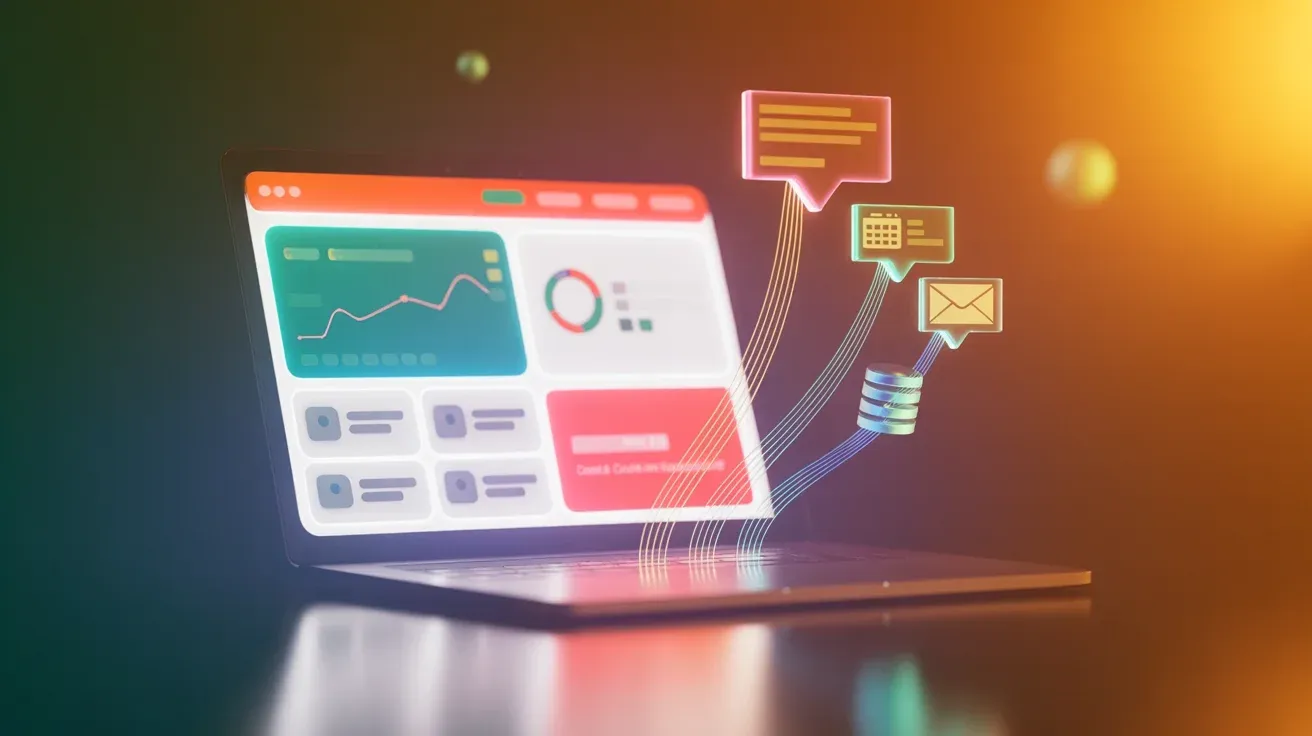
Technically, AI workflows combine automation platforms like n8n, Make, or Zapier with large language models (LLMs) such as Claude or GPT-4. The LLM handles the intelligent steps; the platform handles structured execution.
An AI workflow is an automated sequence of process steps in which at least one step relies on an AI model. AI takes over tasks that classic automation cannot handle: understanding text, categorisation, summarisation, and context-dependent decisions.
When do AI workflows make sense?
AI workflows deliver value where processes occur frequently, can be structured, and still require intelligence. Not every recurring process needs AI — but as soon as context, language, or variance come into play, classic automation quickly becomes a bottleneck.
Typical situations where AI workflows work well for SMEs:
- Incoming enquiries need to be read, categorised, and routed
- Documents — invoices, contracts, forms — need to be read out automatically
- Recurring reports from multiple sources should be generated without manual work
- Lead qualification requires understanding enquiry text
- Customers receive context-aware responses outside business hours
- Data entries need to be checked, enriched, and transferred to other systems

At Noevu, an AI workflow for receipt processing in Bexio saves around 30 minutes per week. The workflow downloads receipts, analyses them via LLM, generates meaningful filenames, and files them. Modest in isolation — but over a year, that adds up to more than 25 hours.
When are AI workflows the wrong choice?
AI workflows are not a cure-all. In practice, many projects fail not because of the technology, but because of wrong expectations or insufficient foundations. It is worth being critical before investing.
AI workflows are often the wrong choice when:
- Data is unstructured or incomplete — AI needs clean inputs
- Processes occur too rarely to justify the setup effort
- The team has no capacity to maintain workflows and handle errors
- The process has so many exceptions that rules constantly change
- Legal or ethical requirements mandate a human decision
The most common mistake: AI workflows are introduced without checking data quality beforehand. If input data is incomplete or inconsistent, the AI produces unreliable results — often without any visible error. Check first: is the data the workflow relies on reliable and complete?
What needs to be clarified before you start
Before investing in AI workflows, you should honestly answer a few fundamental questions. Honest answers here prevent expensive projects that ultimately deliver little.
Checklist before you start
- Which specific processes should be automated — and how often do they occur?
- Is the data the workflow will process structured and reliable?
- Who is responsible long-term for maintenance, updates, and error handling?
- Which tools and systems need to be connected?
- What data protection requirements apply to the information being processed?
- How will success be measured — in hours, error rates, or costs?
Start with a single, clearly defined process. Not the most complex one — the most frequent one. When that workflow runs reliably, you will have the confidence and know-how to expand. Automating too much at once quickly leads to losing oversight.
Typical applications for SMEs
The range of possible AI workflows is broad. These four areas are particularly common among Swiss SMEs — and demonstrate what is technically possible today without major effort.
A concrete example: a Swiss service business with 12 employees receives 15–20 enquiries by email daily. An AI workflow reads each enquiry, identifies the concern, checks the internal knowledge base, and sends an appropriate first response. Urgent cases are escalated immediately. The team only handles complex enquiries — saving around three hours per day. For the technical implementation of such workflows, n8n is particularly well-suited because it combines self-hosting and AI agents in a single tool.
AI workflows and data protection: what SMEs need to know
Automated workflows often process sensitive data: customer information, financial data, internal documents. Swiss data protection law (revFADP, in force since September 2023) sets clear requirements for the processing of personal data in automated systems.
In concrete terms, this means for AI workflows:
- Automated decisions that significantly affect individuals must be made transparent
- Affected individuals have the right to object to purely automated decisions
- Data processing workflows must be documented and disclosable upon request
- For cloud services with US-based providers, data transfer must be critically reviewed — EU standard contractual clauses are the minimum
- Self-hosting on Swiss servers is the cleanest solution for sensitive data
In practice, self-hosting means running the automation platform on your own server — typically via Docker on a Hetzner or Infomaniak server. Data never leaves your infrastructure. It is more complex than a SaaS tool, but offers maximum control. More on how self-hosting with n8n works in practice.
How we use AI workflows at Noevu
At Noevu, we only automate what genuinely makes sense — and what we can maintain ourselves. No showcase work, just daily practice.
Three workflows that run regularly for us: First, receipt processing via Bexio — receipts are downloaded, analysed by LLM, given meaningful filenames, and filed. Second, automatically submitting new blog posts to Google Search Console immediately after deployment. Third, updating the multilingual chatbot knowledge base when new content is published.
What surprised us most in practice: the most stable workflows are the simplest ones. A workflow with three clear steps runs more reliably than one with ten — even if the larger one looks more impressive on paper.
If you are considering which processes could sensibly be automated, we are happy to help you assess the options. Get in touch for a no-obligation conversation — we will look at what is realistic and what genuinely makes financial sense.
Conclusion
AI workflows can significantly relieve the burden on Swiss SMEs — if the foundations are in place. Clean data, clear responsibilities, and a realistic business case are the prerequisites. Without these, the promised savings are rarely achievable.
Used well, AI workflows are not a technology novelty but a practical operational tool. ROI is achievable in a few months with the right processes — and the hours saved can be reinvested in real value creation.
For anyone still unsure where to start: a single, well-chosen workflow provides more clarity than any strategy presentation. An overview of AI tools for SMEs helps you understand which options exist in the first place.

Wondering which processes could be automated — and what it realistically costs? A short conversation can help you work that out.
Frequently Asked Questions
What does it cost to set up AI workflows?
It depends heavily on scope. A single, clearly defined workflow — such as automated invoice processing — can often be set up for CHF 500–2,000. More complex systems integrating multiple tools range from CHF 5,000 to 20,000. Ongoing costs for tools, hosting, and maintenance run CHF 50–300 per month.
Do I need programming skills for AI workflows?
Not necessarily. Visual tools like n8n, Make, or Zapier allow you to build workflows without code. For simple automations, that's sufficient. Once custom logic, API integrations, or AI agents are involved, some technical understanding or an agency partner is helpful. Low-code is not no-code.
Which processes are best suited for AI workflows?
Processes that are frequent, rule-based, and structured are best suited. Typical examples: document processing, lead notifications, recurring reports, customer onboarding, and document analysis. Poor fits are processes with many exceptions, messy data, or significant human judgement involved.
How secure are AI workflows for sensitive data?
It depends on the architecture. Cloud-based tools like Zapier route data through US servers. With self-hosting via n8n on Swiss servers (e.g. Hetzner or Infomaniak), sensitive data never leaves your infrastructure. Important: Swiss data protection law (revFADP) requires that automated processing of personal data is documented and communicated transparently.
What is the difference between classic and AI automation?
Classic automation follows rigid if-then rules: if a form is filled in, send an email. AI automation understands context: the workflow reads an email, recognises the concern, and routes it to the right person — or responds directly. This makes AI workflows more powerful, but also more demanding to set up.